Display What It May Mean What To Do
Data to Report You have not yet
generated reports
from the data
already on the
Reader.
To create reports from the
data already on the Reader,
connect the Reader to a
computer. Or, to overwrite
with data from the current
Sensor, touch yes.
Reader Error Messages
Display What It May Mean What To Do
Reader error. Turn off the Reader and try
again. If the error reappears,
contact Customer Service.
Reader error. Turn off the Reader and try
again. If the error reappears,
contact Customer Service.
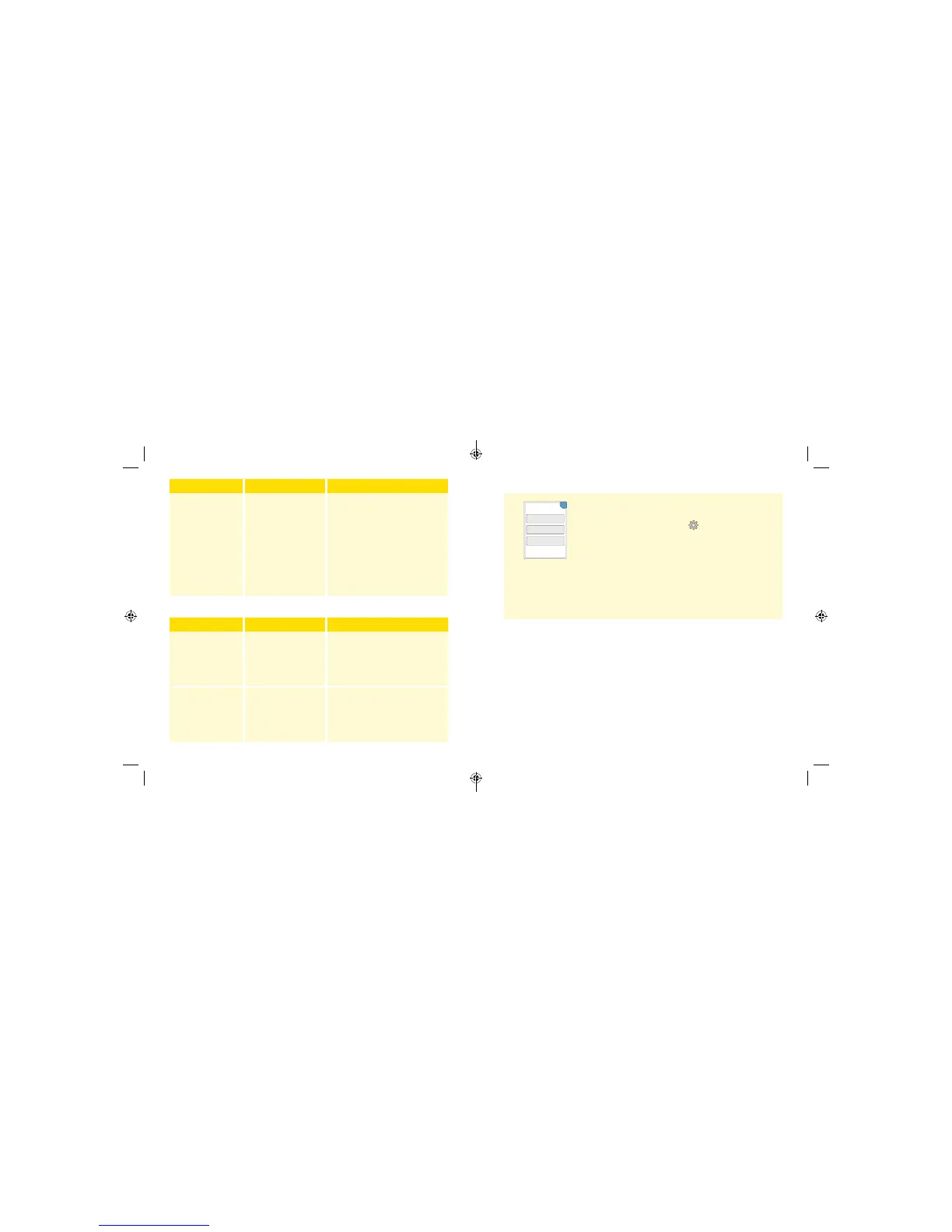
Perform a Reader Test
If you think the Reader is not working properly, you
can check the Reader by performing a Reader Test.
Touch the Options symbol
from the Home
Screen, select System Status and then select
Reader Test.
Note: The Reader Test will perform internal
diagnostics and will allow you to check that the
display, sounds, and touchscreen are working
properly.
Customer Service
Customer Service is available to answer any questions you may have
about the FreeStyle Libre Pro Flash Glucose Monitoring System. Please go
to the back cover of this manual for your Customer Service phone number.
System Info
Reader Test
Event Log
System Status
OK
36 37
ART26944_rev-C_manual.indd 36-37 9/23/16 9:19 AM



 To Next Page