LUM0024AB Rev A
Appendix D: Changing the Computer IP
Address in Windows
The following sections detail how to change the IPaddress of your computer in Windows XP and in Windows
7.0.
Changing the Computer IP Address in Windows XP
The following instructions are for Windows XP.
1. From the Windows Start menu, select Control Panel or Settings > Control Panel.
2. Double-click the Network Connections icon.
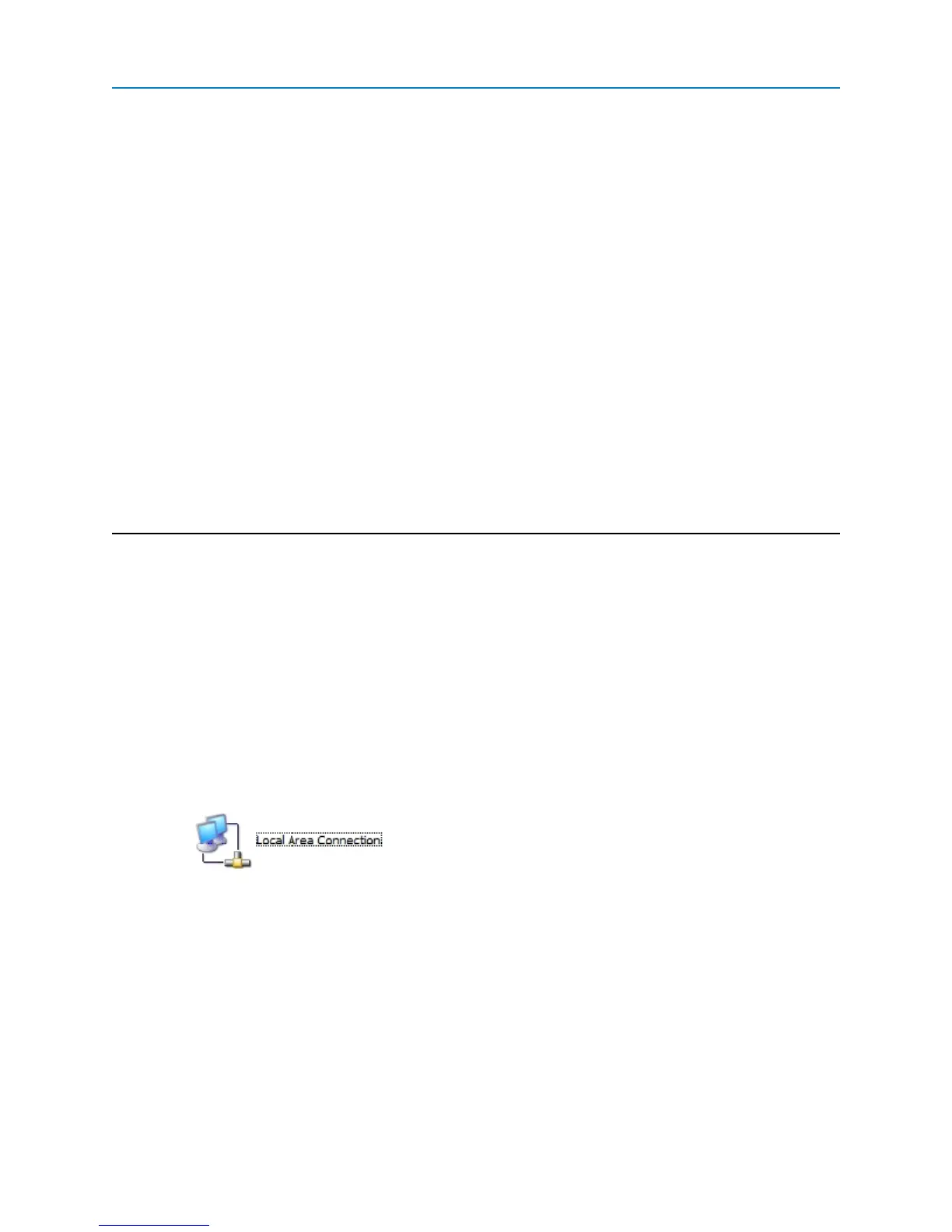
3. Right-click Local Area Connection and select Properties to display the Local Area Connection
Properties window.
Note: Depending on the Network setup, different icons may appear here. Contact your
IT Department if you cannot find the proper icon.
4. Click Internet Protocol (TCP/IP) to highlight it, then click Properties to display the Internet
Protocol (TCP/IP) Properties window.
121


 To Next Page