User Manual and Reference Guide
LUM0024AB Rev A
Determining and Setting a Transceiver's IP Address
Before you can work with a Plus-style transceiver, you need to determine the transceiver's IP address. By
default, each Plus-style transceiver's IP address is 192.168.111.100 and its password is admin. If the
address has changed, if you do not know the transceiver's address, or you need to change the address, use
one of the following tools:
l HyperTerminal using the Com 1 serial port
l Discovery Server
Using HyperTerminal
To determine or set the IP address of a Plus-style transceiver, plug a serial cable into Com 1 (the left port),
with the transceiver disconnected from power. Then, follow the instructions below to open and setup
HyperTerminal and use the IPSetup menu.
To connect to the transceiver using HyperTerminal:
Note: The screen shots in the following sections represent HyperTerminal in Windows
XP. The display may vary slightly if you are using a different operating system.
1. Click the Windows Start button and select Programs > Accessories > Communications, and
then select HyperTerminal.
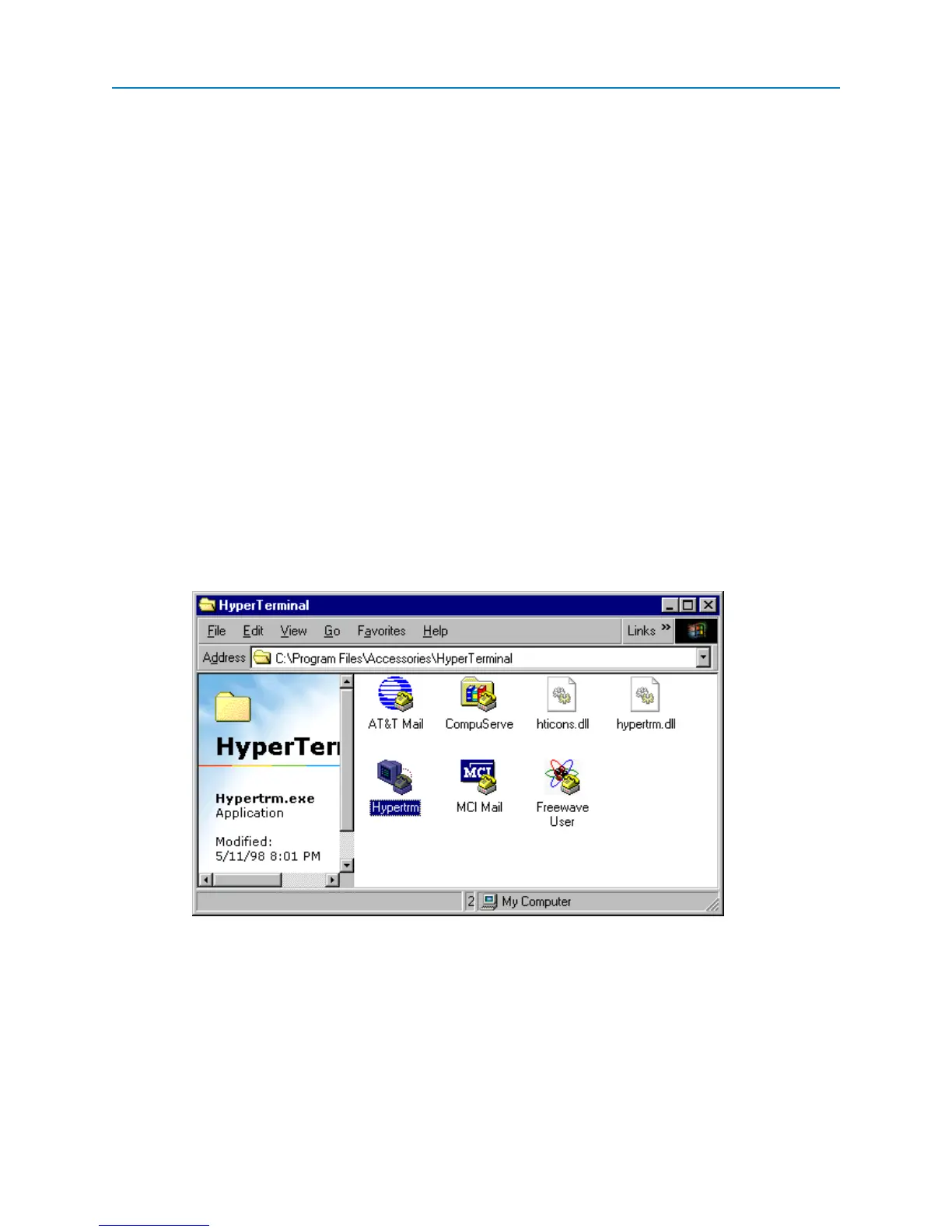
A window similar to the following displays:
2. Double-click the Hypertrm.exe icon.
The following window displays:
9


 To Next Page