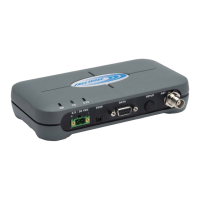
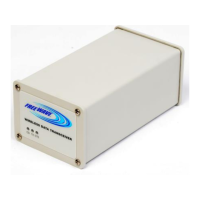
FGR2-PE Wirelss Data Transceiver
LUM0024AB Rev A
Setting this option is recommended for any serial data that consist of many
small packets of data.
Serial Parity
Web Parameter: Parity in the Serial Settings section of the Serial Setup page.
Network Type: Both
Default Setting: None
Options: None, Even, Odd
Description: The parity type the serial port uses. This type should match the parity the
connected device requires.
Stop Bits
Web Page: Stop Bits in the Serial Settings section of the Serial Setup page
Network Type: Both
Default Setting: 1
Options: 1, 2
Description: The number of stop bits the serial port sends. This number should match the
number of stop bits the connected device requires.
TCP Client Enable
Web Parameter: Mode in the Terminal Server Configuration section of the Serial Setup page.
Network Type: Both
Default Setting: Disabled
Options: Disabled, Enabled
Description: Enabling this parameter sets the operating mode of the transceiver's terminal
server to TCP Client. Your selection determines which other parameters are
available for the serial port. Upon booting up, the radio creates a persistent
outgoing TCP connection to the TCPClient IPand TCP Client Port. Any
data sent to the associated serial port on the transceiver is automatically
directed to the entered IP address and port number.
46


 To Next Page