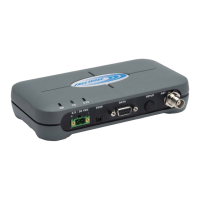
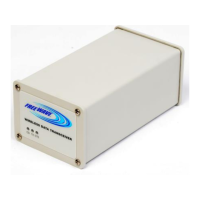
User Manual and Reference Guide
LUM0024AB Rev A
Description: Use this setting to change the assigned port for the configuration Web pages.
The default setting is port 80, the standard Web page port. If this setting is
changed from port 80, the proper port number must be included when
accessing the Setup pages.
For example, http://<IP address>:<Port>, where <IP address> is the IP
address of the transceiver, and <Port> is the port number assigned in this
parameter.
If an invalid TCP port is entered, the radio defaults the Web Page Port setting
to 80.
:
37


 To Next Page