completely. The motor resumes normal
operation after the motor has cooled or the
overcurrent condition has been resolved. It is
necessary to cycle the fan switch off, and then
on, to reset the motor. If the problem appears
repeatedly, take the vehicle to a Freightliner
dealer or authorized service outlet for repairs.
Infotainment Controls
NOTE: Features of the infotainment system
depend on cellular and satellite reception. In
certain situations, such as driving through
tunnels, mountains, or parked in multistory
parking lots, reception may be impaired due to
interference or there may be no reception at all.
Safety Information
WARNING
A driver can be distracted from the traffic
situation if operating communication equipment
integrated in the vehicle when driving, possibly
causing loss of control of the vehicle resulting in
property damage, physical injury, or death.
Only operate this communication equipment when
the road and traffic situation permits, otherwise stop
and operate the equipment with the vehicle
stationary.
The driver must observe the legal requirements of
the country the vehicle is driving through when
operating the infotainment system.
Wearing polarized sunglasses may impair or limit
your ability to read the display.
General Infotainment Information
The standard infotainment system options consist of
AM/FM/WX Radio with USB and auxiliary input with
smart phone integration via Bluetooth®.
ICUC Infotainment Screens
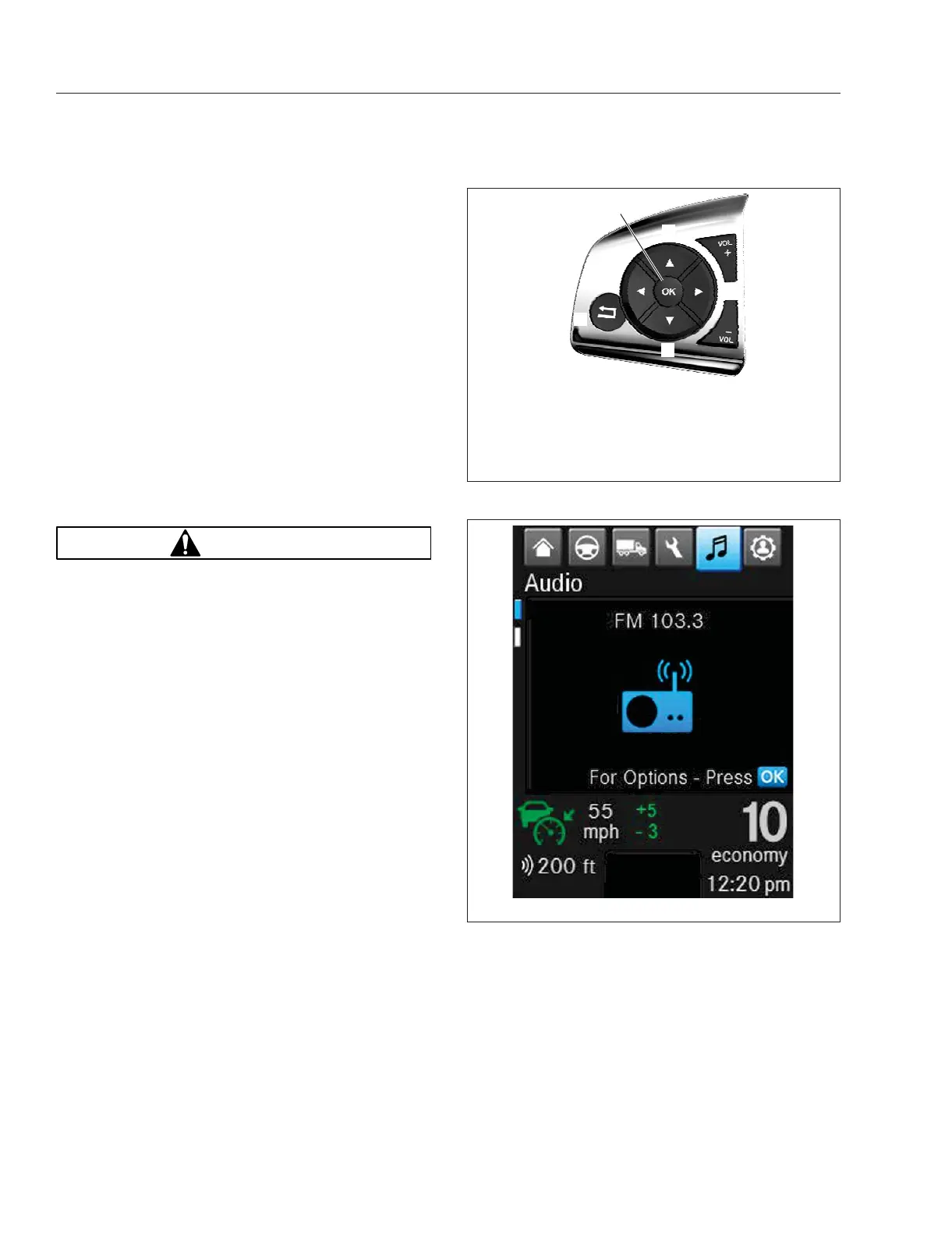
Use the menu up and menu down arrows shown in
Fig. 5.10 to navigate between the Audio and
Telephone infotainment screens:
1.
Audio (AM/FM/WX, USB, AUX). See Fig. 5.11.
2.
Telephone, showing signal strength, battery level,
phone number, and active call length. See
Fig. 5.12.
ICUC Radio Controls
Radio stations, presets, and other audio sources can
be accessed under Audio.
1.
Select the single bar note icon to open the
infotainment menu. The last infotainment menu
accessed will open.
f611352f08/14/2019
3
7
1
8
2
4
5
6
1. Volume Increment Up
2. Menu Right
3. Volume Increment
Down
4. Menu Down
5. Back Button
6. Menu Left
7. Menu Accept (OK)
8. Menu Up
Fig. 5.10, Steering Wheel Left-Hand Switch Pod-ICUC
f61163004/25/2019
Fig. 5.11, Infotainment: Radio-ICUC
Cab Features
5.5














 To Next Page