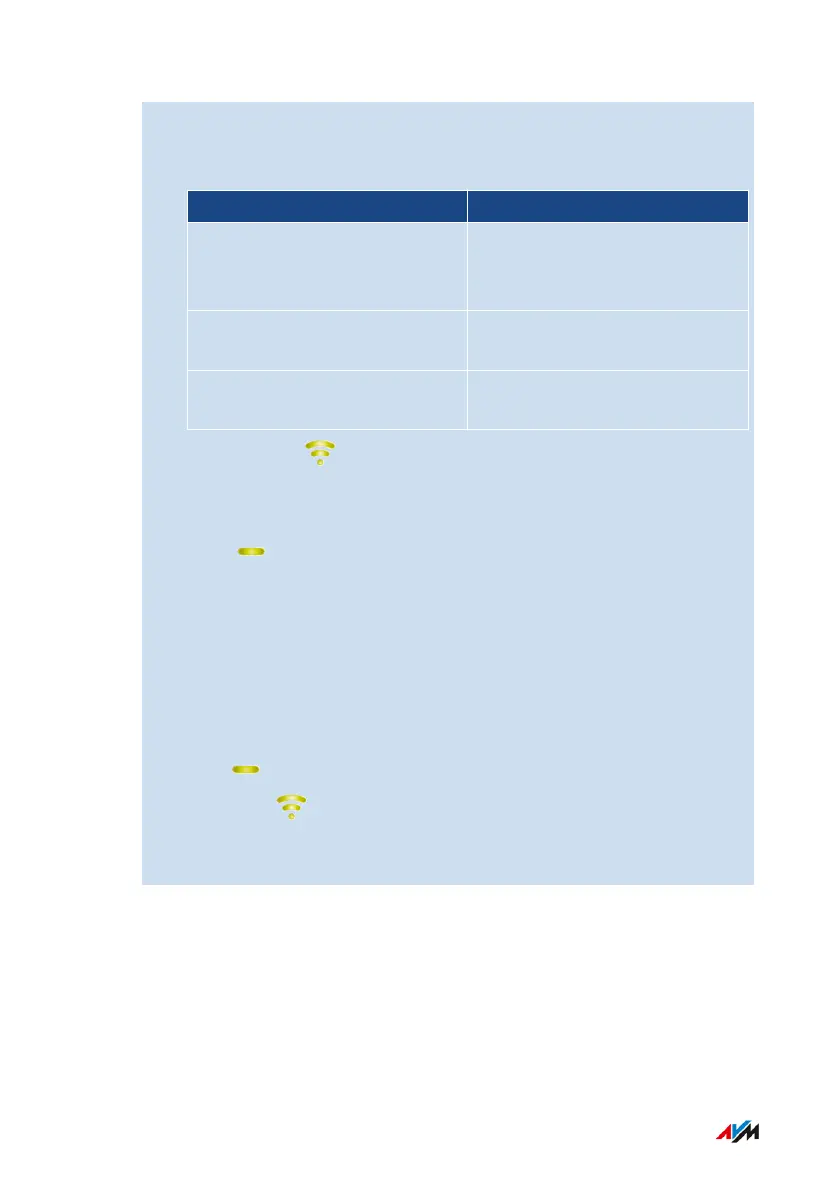
5. Within 2minutes: Start the connection with the touch of a button
(WPS) on the router (FRITZ!Box). The procedure depends on the
router you are using:
router Start Connecting
FRITZ!Box with “Connect” or
“Connect/WPS” or “WPS” but-
ton.
Press button briefly (1 second)
FRITZ!Box with “WLAN” or
“WLAN/WPS button”
Press and hold the button
down for at least 6seconds.
Other router See the documentation of the
router for instructions
6. Wait until the LED on the FRITZ!Repeater lights up green.
The Wi-Fi connection to the router (FRITZ!Box) has been estab-
lished.
If the LED starts flashing slowly again, the connection was
not established. Press the buttons again to establish the connec-
tion.
7. Connect the FRITZ!Repeater to an electrical outlet where it is to
expand the Wi-Fi network. The distance from the router (FRITZ!
Box) should be about the same as the distance from the devices
for which the Wi-Fi network is being expanded.
8. The FRITZ!Repeater starts and reestablishes the Wi-Fi connec-
tion ( LED flashes green). Wait 1-2minutes.
9. Check the LED:
If the LED is lit up green, then the connection has been estab-
lished and the FRITZ!Repeater is positioned well.
FRITZ!Repeater 6000 26
Connecting
• • • • • • • • • • • • • • • • • • • • • • • • • • • • • • • • • • • • • • • • • • • • • • • • • • • • • • • • • • • • • • • • • • • • • • • • • • • • • • • • • • • • • • • • • • • • • • • • • • • • • • • •
• • • • • • • • • • • • • • • • • • • • • • • • • • • • • • • • • • • • • • • • • • • • • • • • • • • • • • • • • • • • • • • • • • • • • • • • • • • • • • • • • • • • • • • • • • • • • • • • • • • • • • • •















 To Next Page