19
Copying all or part of this manual in any way or form is strictly prohibited without written permission from its author © 2015
website: www.fromm-pack.com
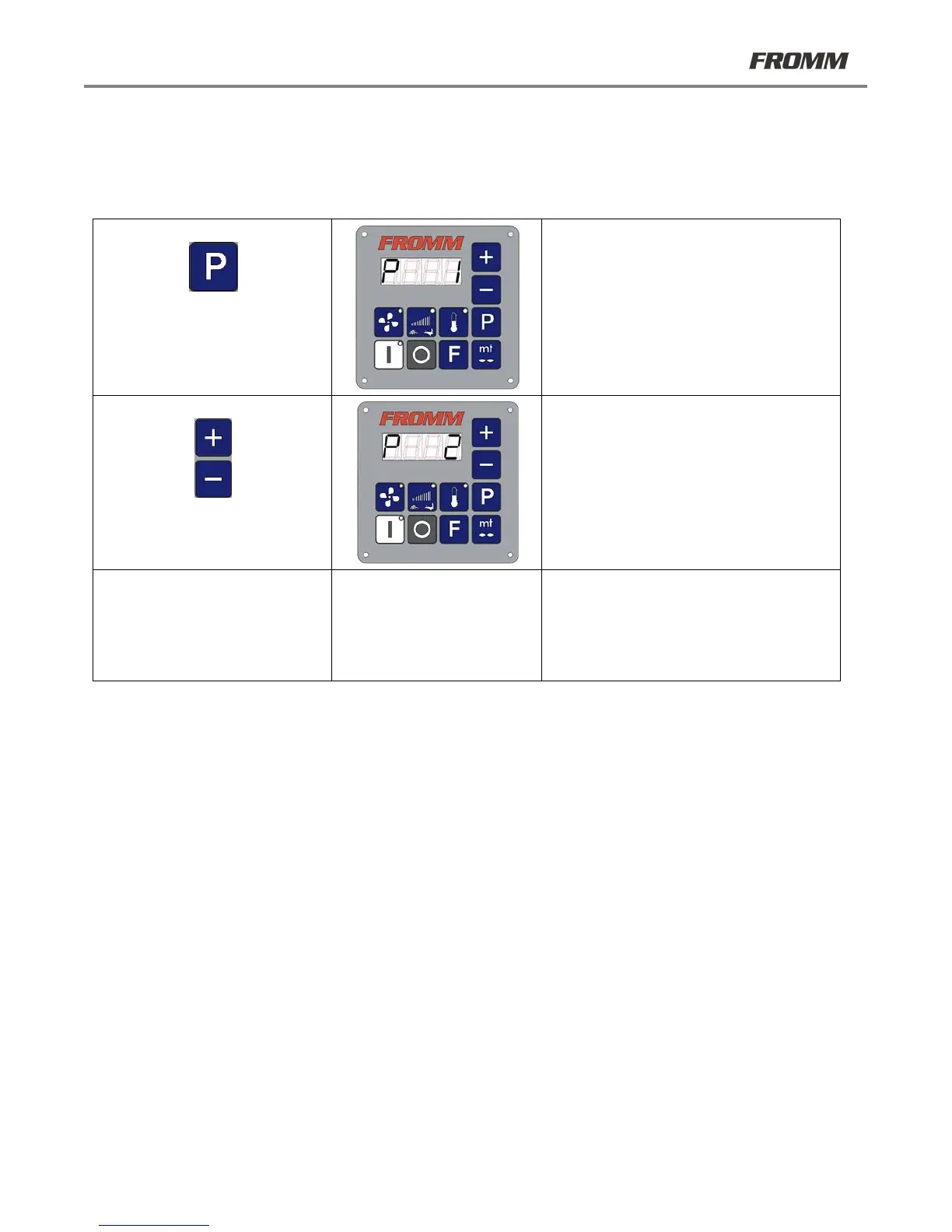
21.7 Selecting a program
The machine is supplied with the programs used by the customer.
The programs differ in pillow size and in the film used.
The program may be changed only when the machine is stopped (after the stop button has been pressed).
Proceed as follows to select a program:
After 4 seconds, the newly selected
program is saved.
The machine is ready to be used with the
new program.



 To Next Page