Section 4 Service, Configuration & Test
37 FT722 & FT742 (RS485) – FF & PM Sensors – User Manual
4 SERVICE, CONFIGURATION & TESTING
4.1 Inspection
The following checks are required to identify any signs of corrosion or damage on the sensor which may hinder
its performance. It is recommended that these checks be carried out annually.
Mechanical Damage: Check the sensor body for signs of damage, paying particular attention to the seals. Also
inspect for signs of lightning damage which may appear as burns or scorch marks (or burnt smells). If damage
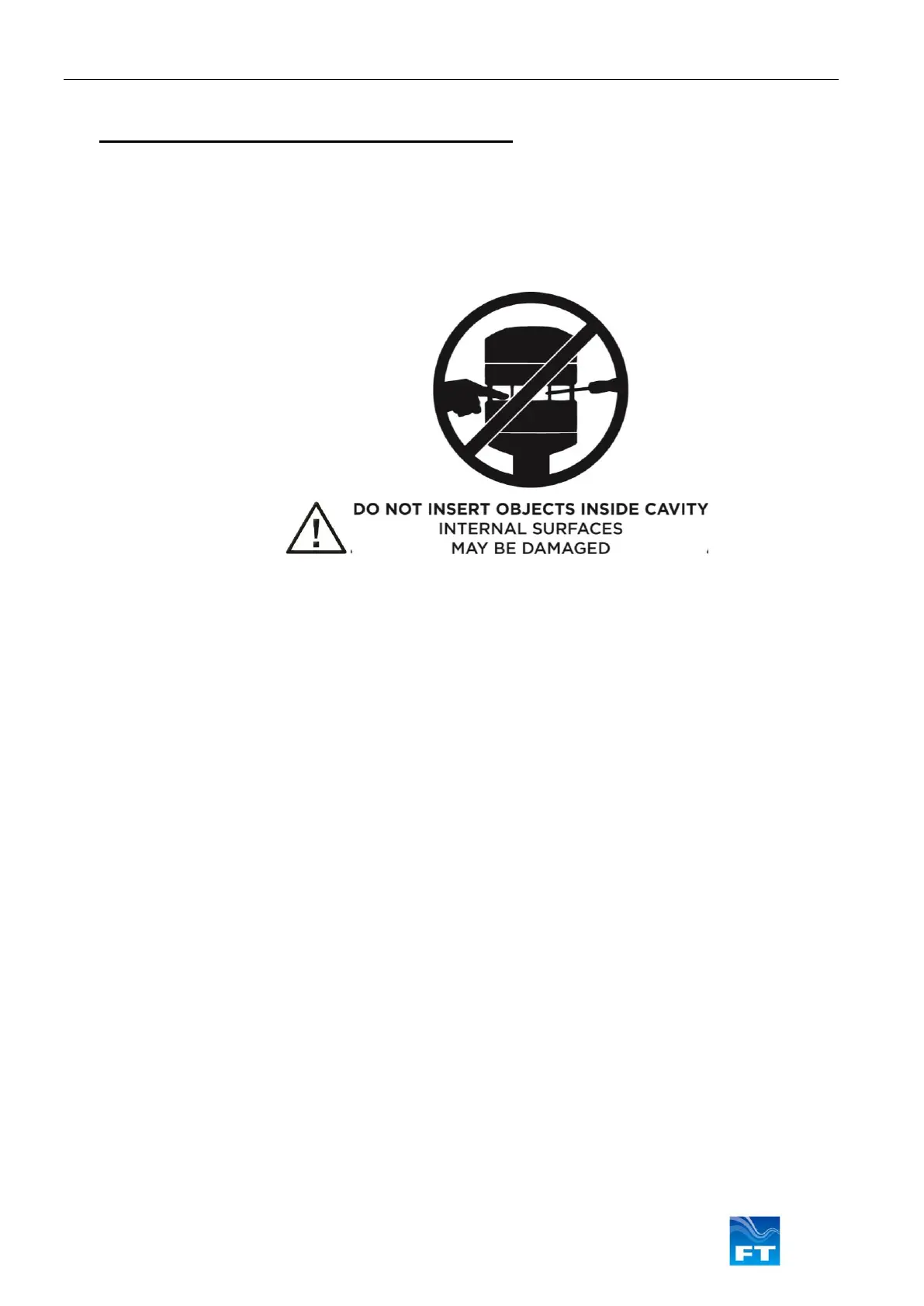
has occurred replace the sensor immediately. Inspect the hydrophobic cavity coating for wear, corrosion and
damage.
Corrosion: Inspect the mounting surface of the sensor and the surfaces of other mounting parts for signs of
corrosion. If corrosion is present on the mounting interface, it should be removed using an abrasive cloth. Before
reinstalling the sensor, electrical joint compound should be applied to the sensor’s uncoated mounting surfaces
(see Section 3). Check that any mounting screws, nuts and washers are in good condition with no signs of
corrosion and tighten as necessary. If corrosion is present replace with parts of the appropriate finish (see Section
3).
Interconnection Cable: Inspect the condition of the cable. If any part has become frayed or damaged in any way,
it should be replaced immediately. Intermittent cable faults may not be visible, but may show up as errors in data.
Confirm the intended network component values.
Connector Protective Sleeve (‘Cold-Shrink’: Check for any signs of damage or degradation to the connector
protection. If the sleeve is damaged it should be replaced (FT offer a protective sleeve ‘cold shrink boot’ on part
number FT909).



 To Next Page