Section 4 Service, Configuration & Test
38 FT722 & FT742 (RS485) – FF & PM Sensors – User Manual
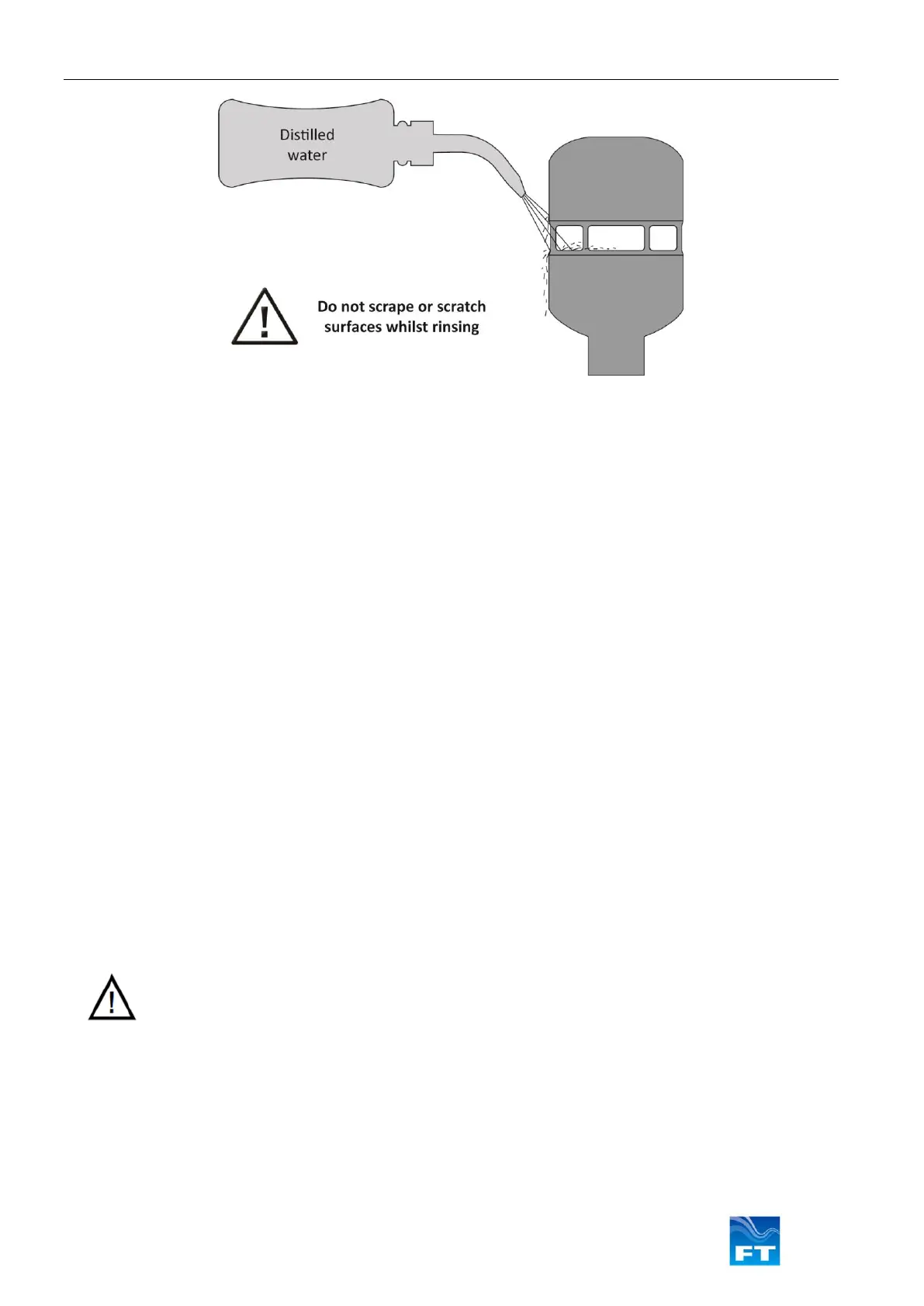
Cleaning: The measurement cavity has a special hydrophobic coating (water repelling) which helps to prevent
water building up. When water enters the measurement cavity the surface helps to wash away dust and debris
which may have settled. If any debris is present this can be removed by gently rinsing the measurement cavity
surface with distilled water using a laboratory wash bottle or similar. Please note excess water droplets can be
removed by lightly blowing or shaking the sensor.
Do not scrape or scratch the surfaces whilst rinsing. Under no circumstances should objects be inserted inside
the measurement cavity, as this can cause irreparable damage. If the coating has been damaged then it may
need to be reapplied. The body of the sensor can be washed if required using the same method as described
above. Whilst washing the sensor care must be taken not to get water in the breather hole or into the connector
at the base of the sensor.
Do not use cleaning chemicals to clean the sensor. If washing a nearby item protect the sensor with a suitable
cover. Ensure the cover is removed before re-enabling the wind data survey.
4.2 Fault Finding & Troubleshooting
To determine whether a sensor has a fault carry out the following steps:
• Follow the inspection procedure above to identify signs of physical damage.
• Remove any objects or insects lining the cavity or blocking the airflow.
• Reset the sensor (RSU command or power-cycle).
• Test that the sensor is communicating properly using the Acu-Test Evaluation Pack (see Section 4.4)
If there are signs of physical damage and/or the sensor is failing to communicate properly, it should be replaced.
Sensors may be returned to FT Technologies for further analysis if required (see Section 4.3).
During extreme weather conditions there may be periods where data is temporarily unavailable. However there
are ways to mitigate against these affects. The following steps should be taken to ensure the highest levels of
data availability from the sensor:
• Using the Acu-Test Evaluation Pack:



 To Next Page