Section 6 Parameter Settings
55 FT722 & FT742 (RS485) – FF & PM Sensors – User Manual
6.1.2 Query Commands
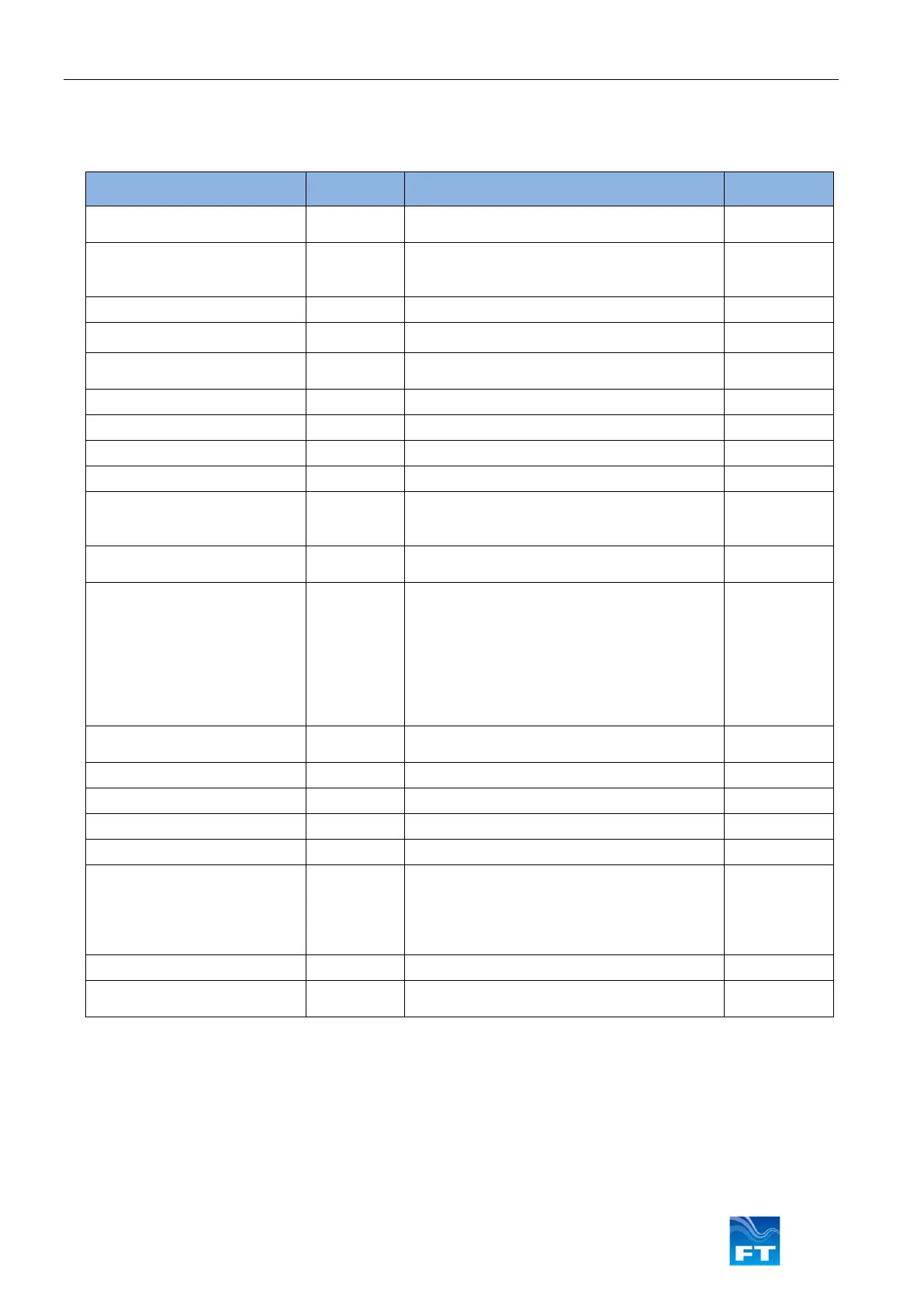
Figure 52 lists the commands that may be sent to the sensor from the host computer that are used to QUERY
the wind sensor’s latest readings or configuration.
Temperature
Temperature Units (°C, °F, K)
Filter time period
Serial interface baud rate
1200, 2400, 4800, 9600, 19200, 38400
Enabled or Disabled
Update interval (0.1 - 6000 seconds)
Wind velocity data format
Number of hours of runtime
Enabled or Disabled
Speed filter length, 1-64
Direction filter length, 1-64
Enabled or Disabled
Validity period
Setpoint Temperature, 0°C to 55°C.
Percentage of heater current, 0% to 100%
Internal sensor temperature, 00°C to
±99°C,
Heater Delay Time, 4s to 999s
Current Limit, 0.1A to 6.0A
Undervoltage Limit, 11V to 17V
Listener and talker identifiers
Listener ID = xx
Talker ID = xx
Min & Max Speeds Recorded
Enabled or Disabled
Wind speed table record
Table label
6.4.24
6.4.25
6.4.26
6.4.27
6.4.28
Matches Saved to Current User Parameters
Wind Speed, Direction and Sensor Status
Figure 52: Query Commands



 To Next Page