Section 4 Service, Configuration & Testing
47 FT722 & FT742 (RS485) – FF & PM Sensors – User Manual
4.4.3 Command Line Terminal Programs (Including Tera Term)
The FT054 Acu-Test cable can also be used to communicate via command line terminal programs, including
Hyperterminal and Tera Term. This provides the user with a visible method of communication with digital wind
sensors without building an RS485HD network.
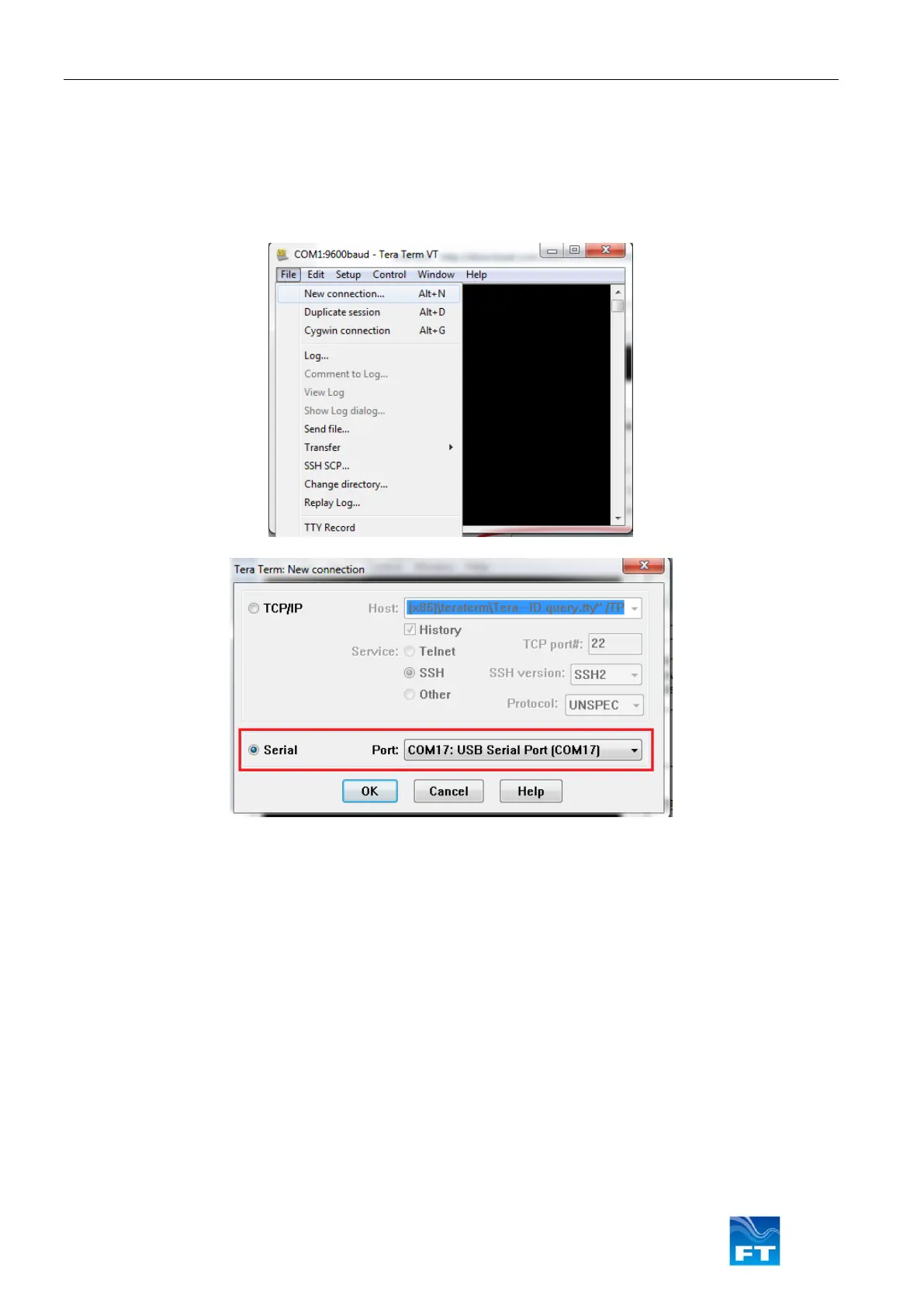
To begin a Tera Term connection click ‘New Connection…’ in the File Menu:
Figure 44: Creating a Connection in Tera Term
Create a new Serial connection, the COMx channel will be dynamically assigned by the user’s computer, but
should typically be recognised as a ‘USB Serial Port’.
It is necessary to modify several settings to view the data and simplify the end-of-line character requirements of
software commands (i.e. remove the requirement to type <cr><lf> at the end of all commands).
• Navigate to the ‘Terminal Setup’ window from the top menu: Setup > Terminal
a. Set the ‘New-Line Transmit’ setting to: “CR+LF”
b. Enable ‘Local Echo’ by ticking the box (Local Echo makes typed characters visible on the display)



 To Next Page