700-Bubbler-Man Rev 12 13 Feb 2020
Page 25/51
Cancel (red X): This will cancel all the changes made in all the tabs. Tabs will revert to the previous
inputs.
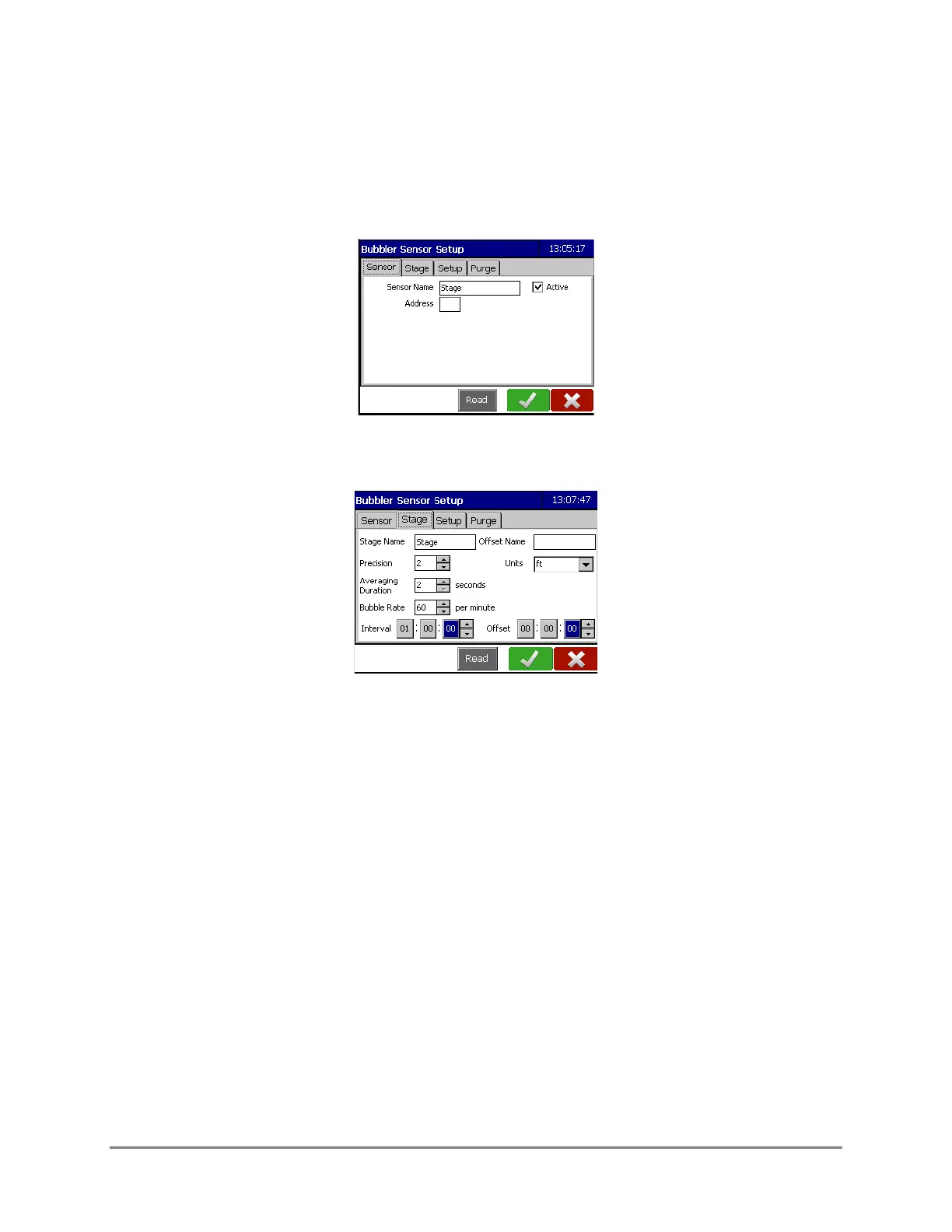
4.2 SENSOR TAB
Displays the default sensor name and Address of the Bubbler.
4.3 STAGE TAB
Stage Name: This is the name of the data point. Stage is the default name and can be changed if
desired.
Offset Name: Input the desired name for the Stage Offset data point. The offset is calculated
automatically by the Datalogger but will only be displayed on the main Bubbler Sensor screen if
the Offset Name field is populated. See section 4.6.
Precision: This indicates the number of decimal places to which the reading will be displayed. The
maximum number is three.
Units: Select the desired units of measurement using the drop-down menu. The choices are
• m (metres)
• mm (millimetres)
• cm (centimetres)
• ft (feet)
• in (inches)
• cu



 To Next Page