700-Bubbler-Man Rev 12 13 Feb 2020
Page 21/51
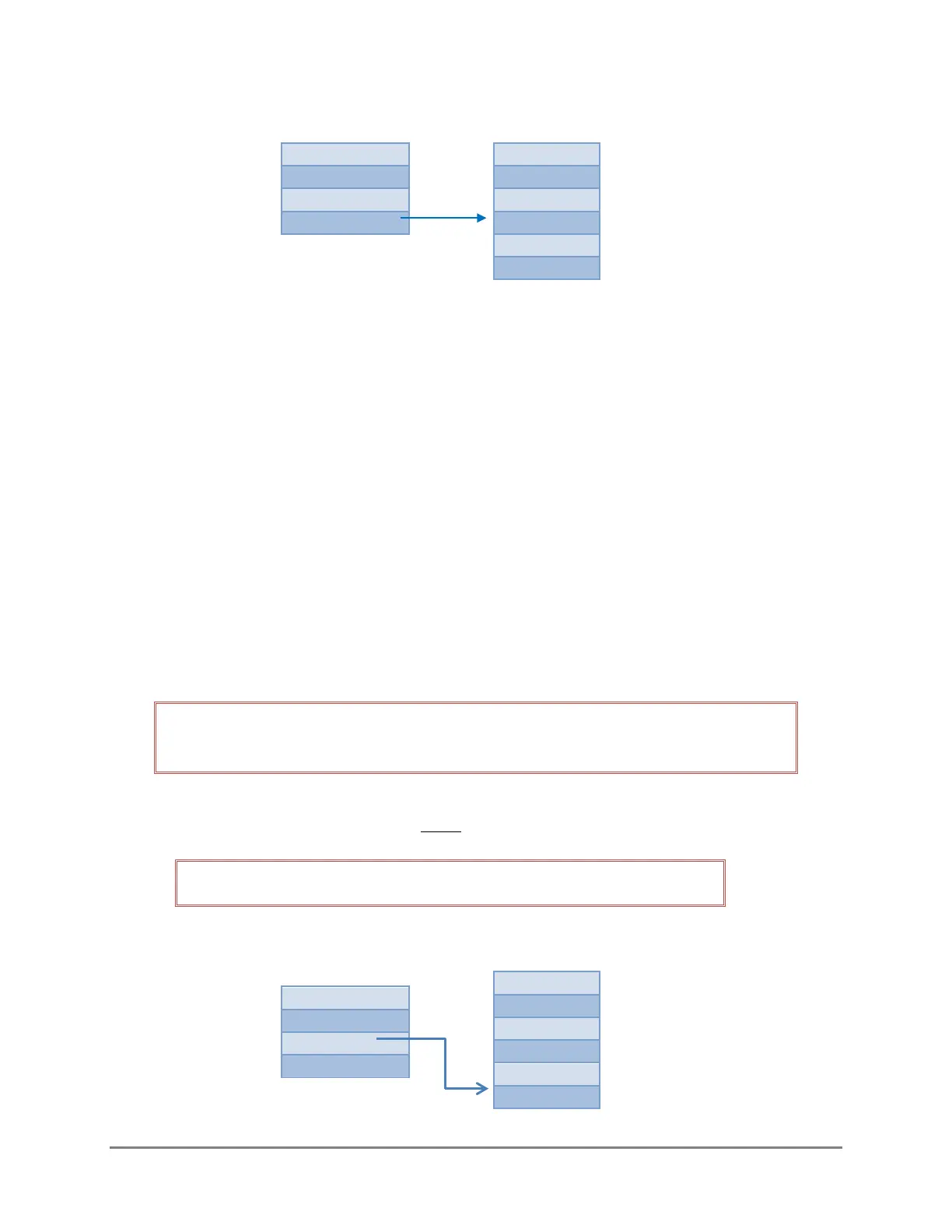
3.8 DIAGNOSTICS
The diagnostics sub-menu is read only, with the exception of the Update function, and displays the
current state of the following items:
• Battery: displays the current voltage
• Temp: displays the internal temperature of the Bubbler
• Version: displays the current firmware version
• Update: used to update firmware
• Date: displays the date (set using X command aXDTYYYYMMDD,HHMMSS! (See section 5.3)
• Time: displays the time (set using X command aXDTYYYYMMDD,HHMMSS! (See section 5.3)
3.8.1 UPDATING FIRMWARE
If there is a firmware update required, a notice shall be posted on the FTS Support Website with
instructions.
IMPORTANT! The Bubbler should be opened in a protected environment free from
moisture, dust and other airborne debris which may enter the enclosure.
Copy the update (it will be a “.bin” file) to a blank, formatted SD card.
NOTE: The only file on the SD card should be the firmware file.
1) From the Bubbler’s Main Menu, select SETUP and scroll down until the SDCARD window is
displayed.
Figure 3-6: Diagnostics Sub-menu



 To Next Page