700-Bubbler-Man Rev 12 13 Feb 2020
Page 29/51
4.7.1 CONDUCT A MANUAL PURGE
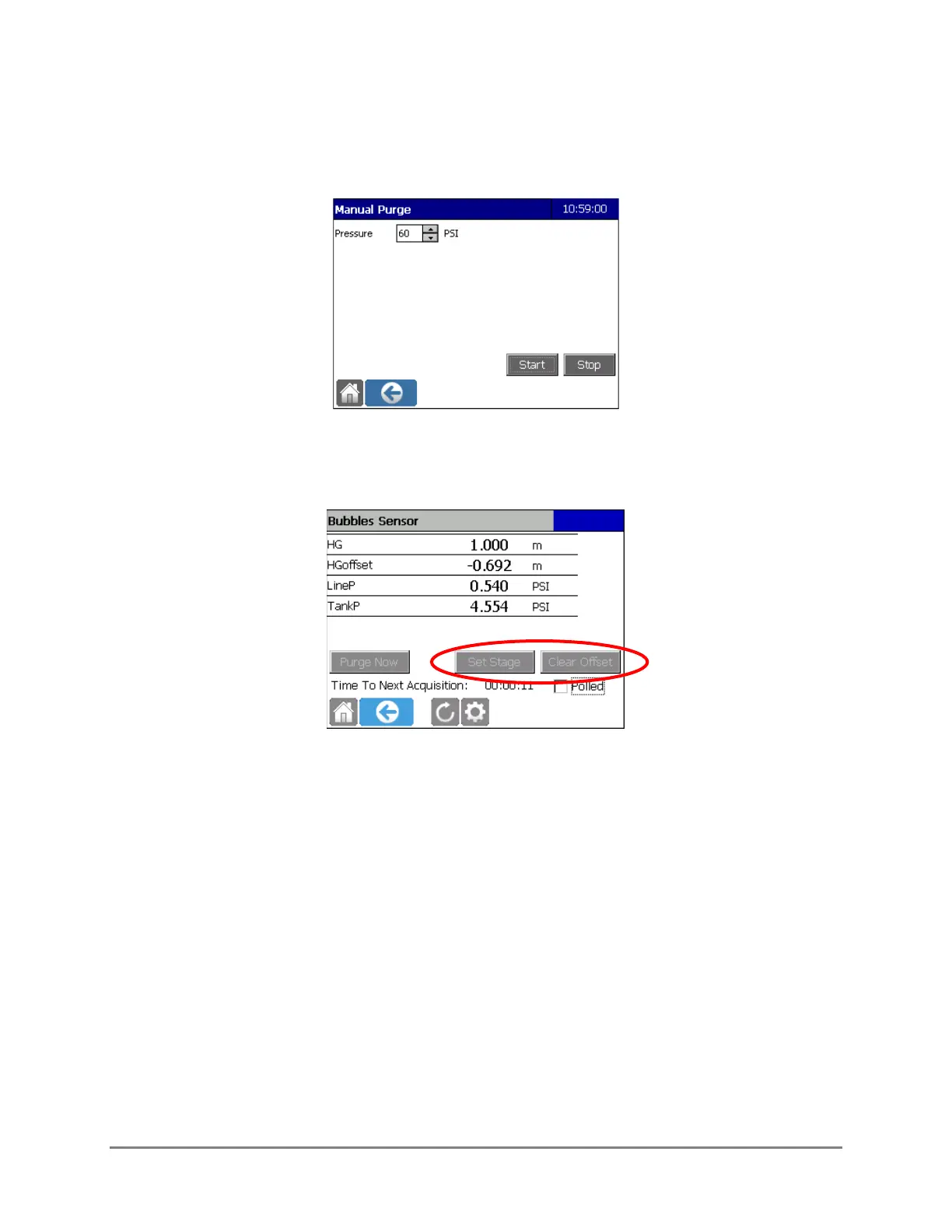
Purge Now: Select this to conduct a purge. Input the desired pressure. The Purge PSI will remain
at this value until changed.
4.7.2 SET STAGE AND CALCULATE/CLEAR OFFSET
Set Stage and Clear Offset enable the user to set and clear the stage offset value. They are present
when a Stage variable is configured on the Stage tab. Once the stage is set, the Datalogger will
automatically calculate the Stage Offset. The Stage Offset will be displayed as a data point if the
Offset Name field was populated in the Stage Tab.
Set Stage
Once the sensor has been configured and is operating, the Set Stage and Clear Offset buttons can
be used. They are present only if a stage variable has been configured on the Stage tab.
There are two methods available for setting the stage offset in the Datalogger depending on if the
staff gauge reading is known or not. If it is known use the Set Stage button. If it is not known, use
the Polled feature.
Staff Gauge Reading Known
If the staff gauge reading is known, press Set Stage, enter the staff gauge value, and confirm the
changes.



 To Next Page