700-Bubbler-Man Rev 12 13 Feb 2020
Page 30/51
The Datalogger calculates the appropriate stage offset from the current stage sensor reading.
Polling
The polling option is meant as a temporary measure to confirm Bubbler operations and any data
collected during the polling will not be recorded by the Datalogger. It will also not affect the Bubbler
Setup values. That is to say, once polling is stopped, interval values will revert to those originally
input in the Bubbler Setup Screen.
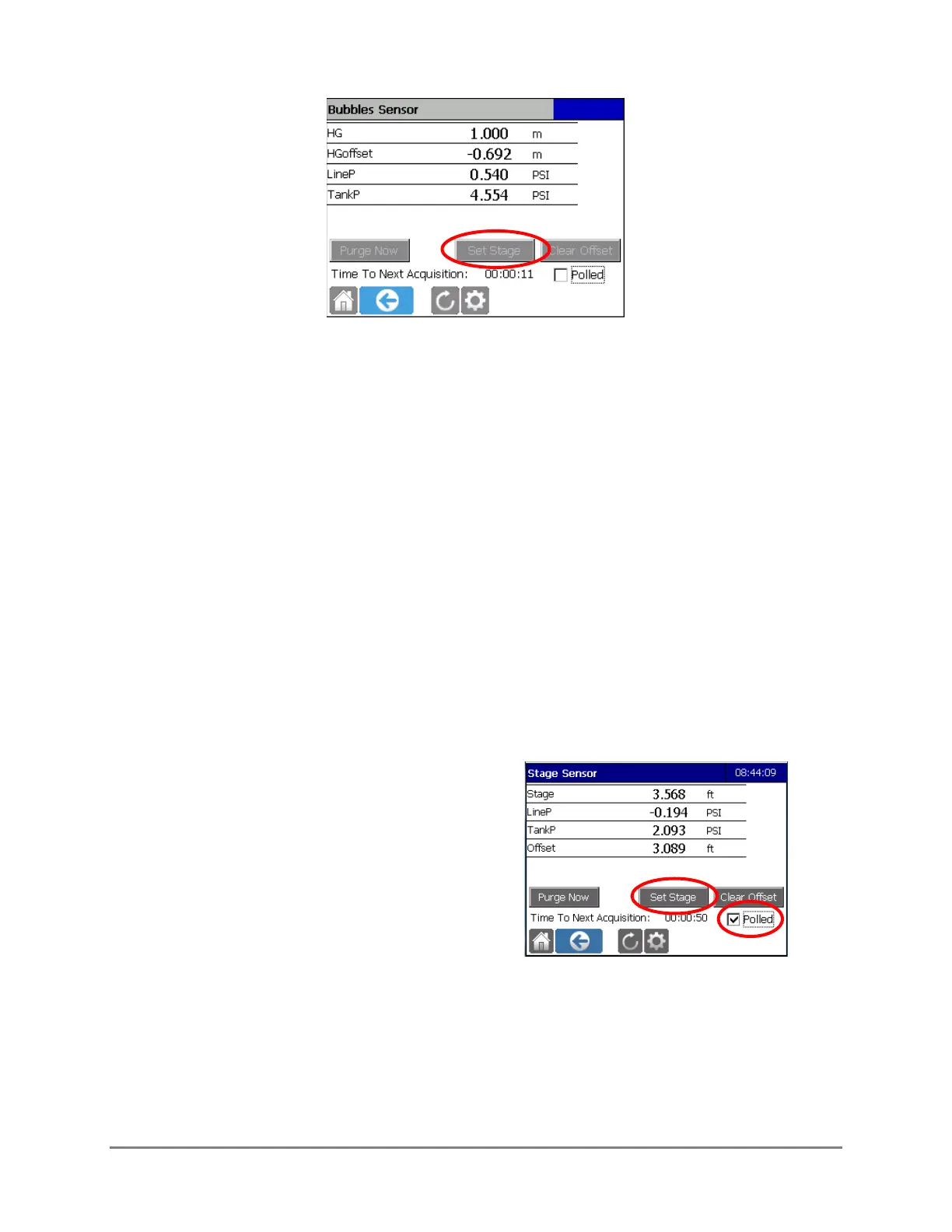
The user can select the Polled checkbox and then press Set Stage to begin a series of Bubbler
readings while the user checks the staff gauge reading. After checking the staff gauge reading and
returning to the Datalogger, the user can select the appropriate time stamped Bubbler reading and
then enter the staff gauge value so that the Datalogger can calculate the appropriate stage offset.
The stage reported on the Display screen and on the Stage Offset Tool screen will use the units that
the user has selected during the setup process.
The steps to set up polling follow:
1. Tap the Polled box, and then select Set
Stage.



 To Next Page