700-Bubbler-Man Rev 12 13 Feb 2020
Page 24/51
4.1 SETUP GENERAL INFORMATION
Each of the field names created in the Bubbler Sensor Setup tabs responds to a data point which will
be displayed on the Bubbler’s summary screen. Once a data point is created it will be available for
other functions such as Logging, Current Conditions, Processes, etc.
Default names: Most fields have default names which can be edited if desired by selecting the field
and then inputting the desired name using the pop-up keyboard.
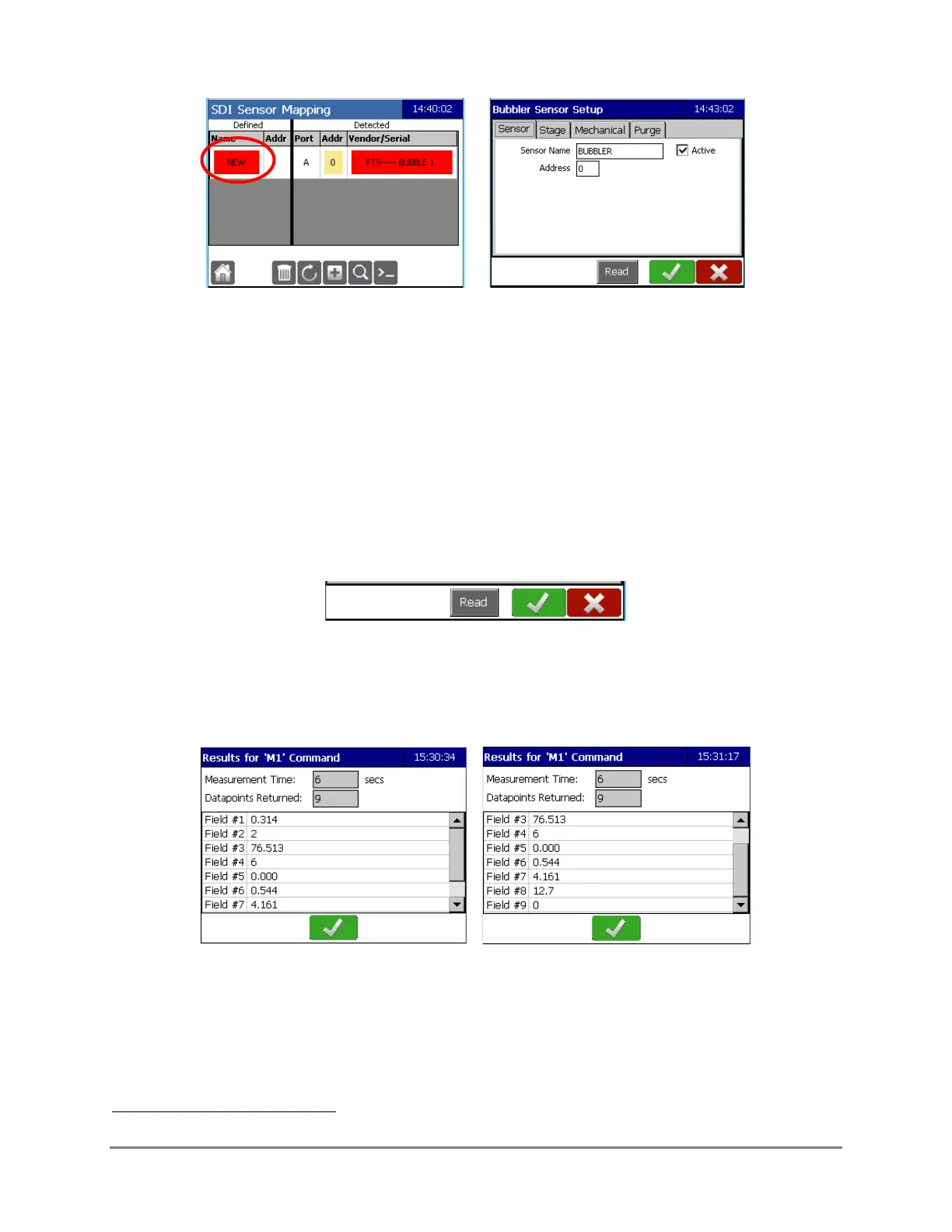
In Edit mode, three icons are displayed on the bottom banner and are present in all tabs.
Read: This will send the M1 command
8
and trigger a sensor reading. It will return the
Measurement Time, number of data points returned with the values taken.
OK (green checkmark): This accepts changes in ALL the tabs. Input all desired changes in all the
tabs prior to selecting OK. Once selected it saves the changes and then displays the Sensor
screen.
8
Details of the M Commands can be found in Chapter 5.



 To Next Page