Rev 007, 04/12 15
© SP Scientific 2012
Operation
System Preparation
Move rocker switch to the POWER position. 1.
System is now in Idle. 2.
Display will be blank and the amber Power light will be illuminated 3.
Basic Operation
Start Up
Press I/O button 1.
Display flashes SP (setpoint) then the current setpoint temperature (the 2.
setpoint is the temperature at which the unit will maintain the fluid
temperature).
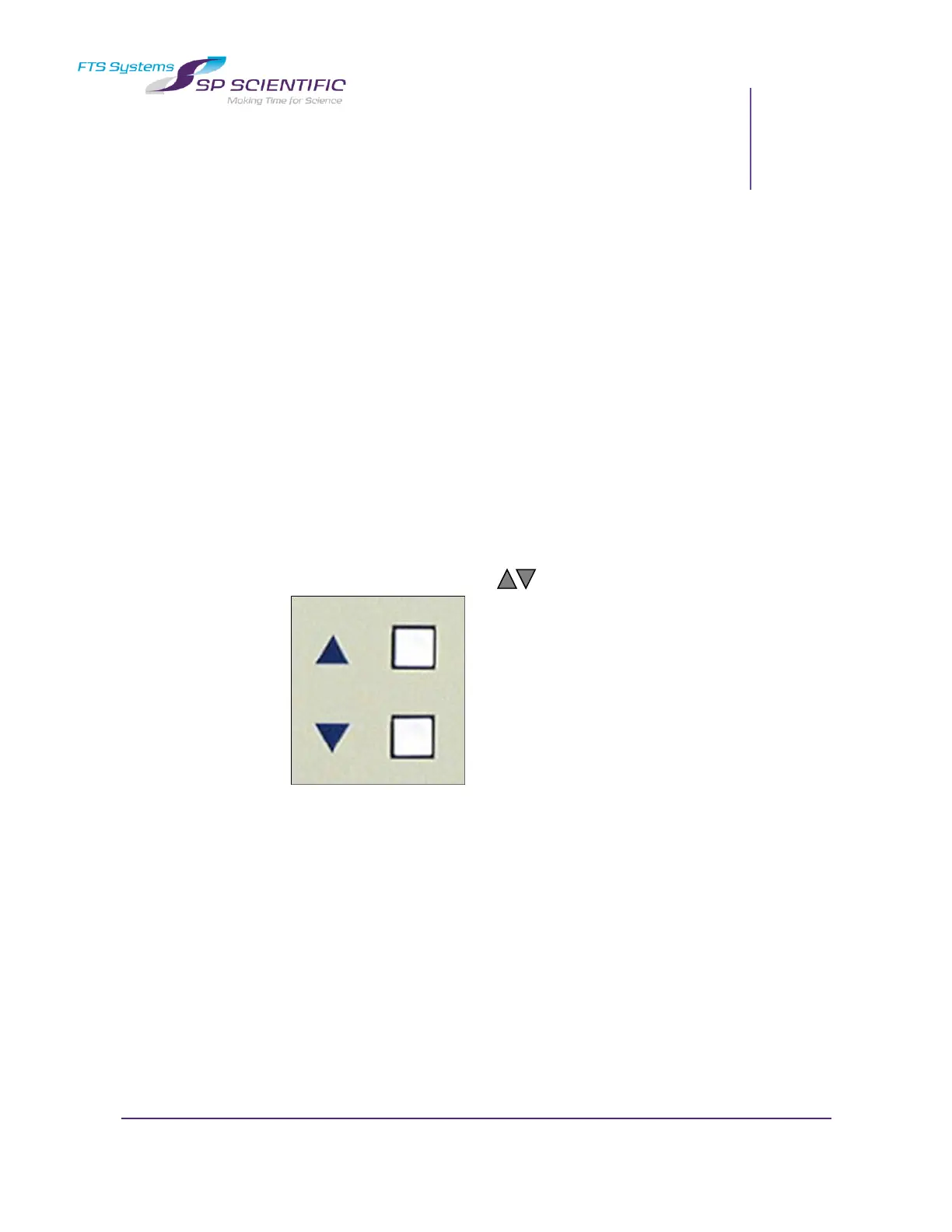
Adjust the Setpoint using the keys. 3.
Value for setpoint will be accepted after 4 seconds of inactivity. 4.


 To Next Page