16 Rev 007, 04/12
© SP Scientific 2012
Control
When the system is running touch the button to bring up the setpoint. 1.
Adjust the setpoint using the keys. 2.
The setpoint is automatically accepted after 4 seconds. 3.
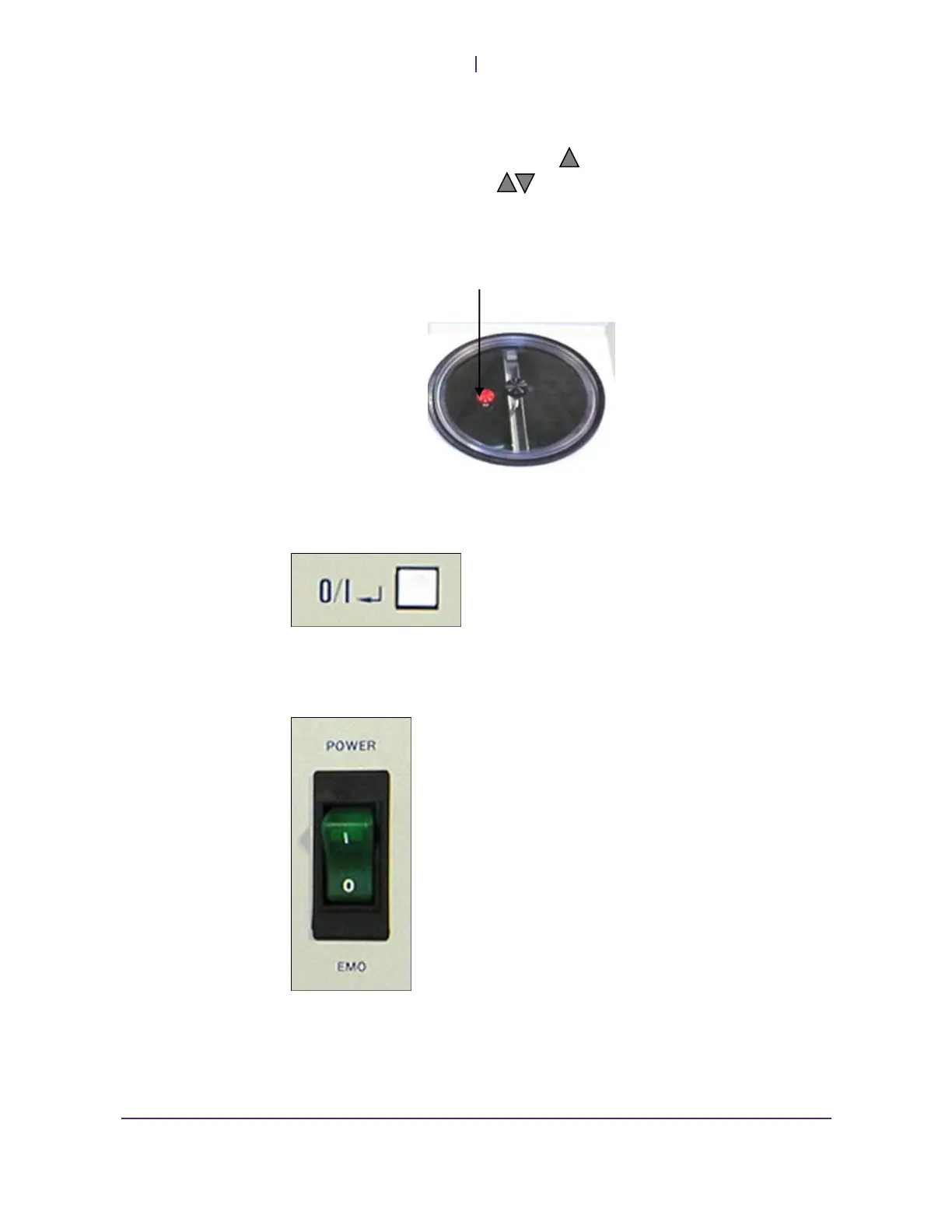
Note: When changing the setpoint, loosen the red vent screw on the reservoir lid to
accommodate for the expansion/contraction of the process fluid. Once the chiller
stabilizes at a setpoint, tighten the red vent screw. This will help prevent excess
evaporation of the fluid, as well as preventing atmospheric moisture from condensing
on the fluid.
Shut Down
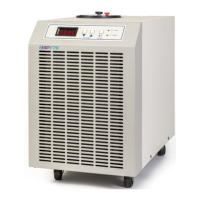
Press the I/O button to put the unit back in Idle. 1.
The refrigeration will shut down and the display will blank. 2.
The amber Power light will remain lit. 3.
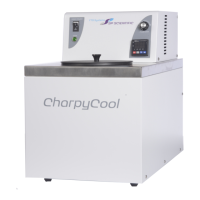
Move the rocker switch to the EMO position. 4.
This will remove Mains power from the system and the amber Power Light will 5.
be extinguished.


 To Next Page