Rev 007, 04/12 19
© SP Scientific 2012
User Menu
Overview
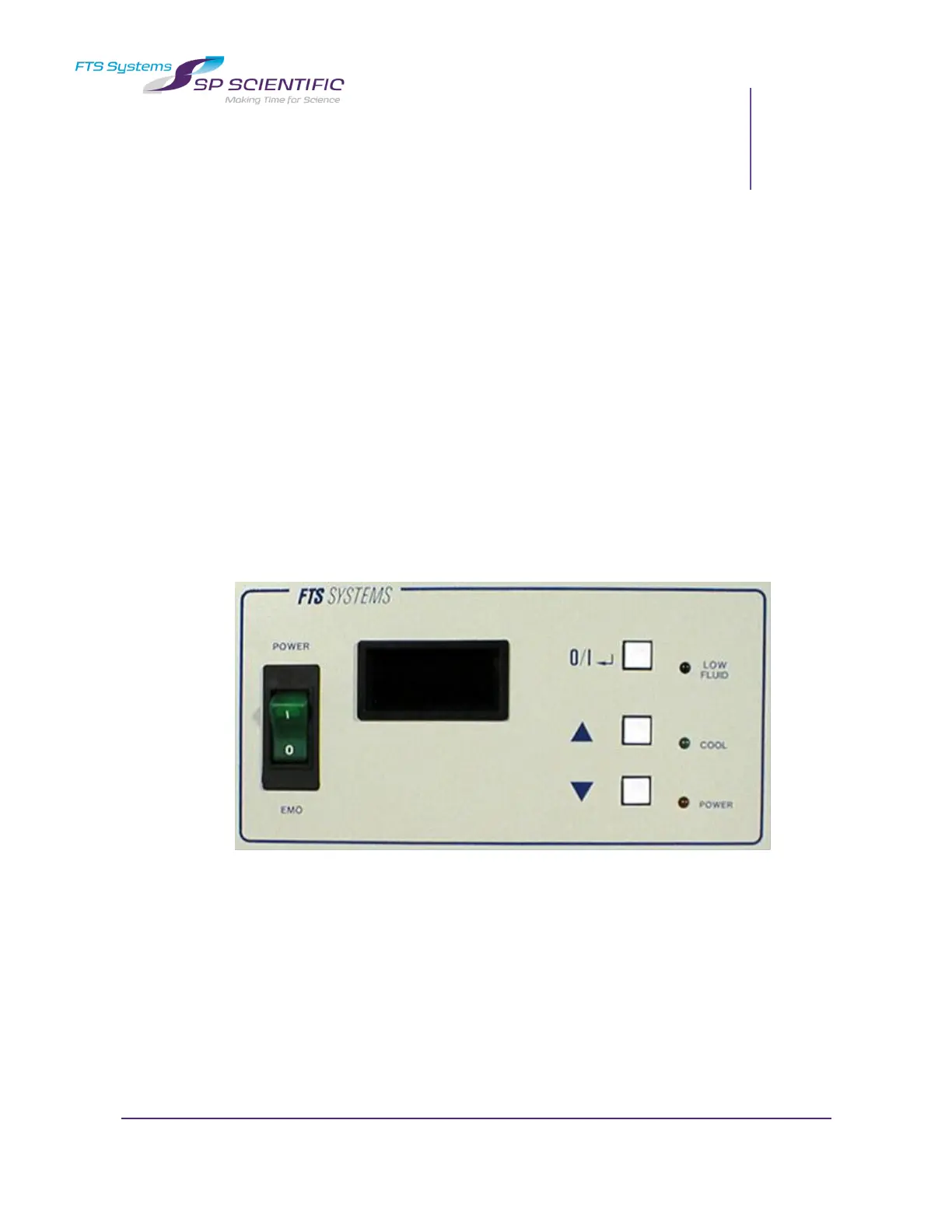
This unit is equipped with an EDC digital control package. Varying the parameters in
the EDC Controller’s User Menu allow the operation of the unit to be fine-tuned to
meet the needs of a specific application. A variety of parameters such as Ramp Rate,
Auto-Power Recovery, High and Low Temperature Alarms, Parameter Lock, Setpoint
Limits, readout options, Proportional Control parameters, and several
Communications options can all be adjusted from the User Menus.
The layout of the menus, as well as the parameters contained in those menus, is
shown on the following pages. They are navigated using the three buttons on the front
panel of the EDC Controller. The legends on the following pages show how to use
these buttons to move around the menus and manipulate the values of the various
parameters.
EDC Controller


 To Next Page