SeaSTAR 3610 USER MANUAL
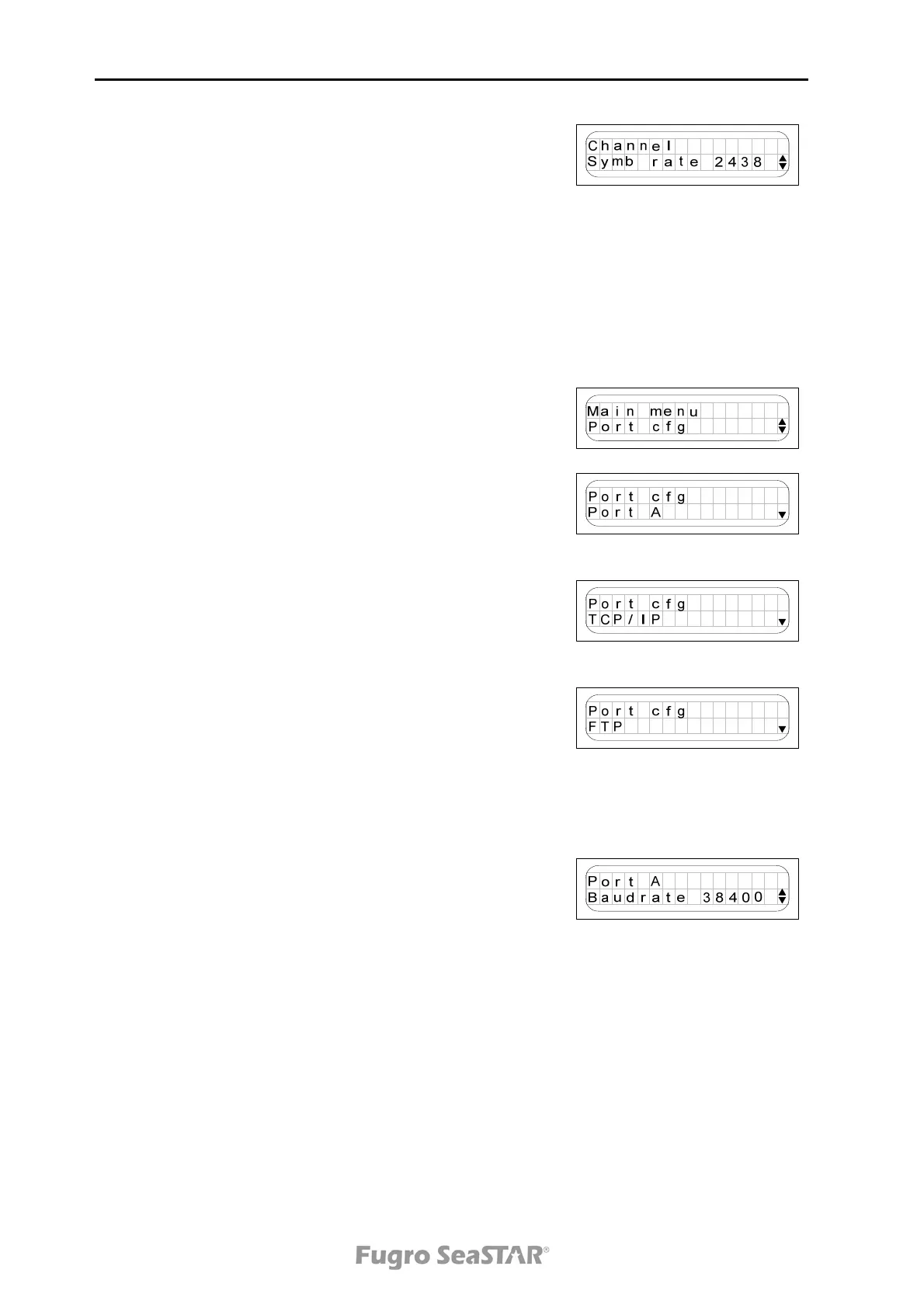
From the Symb rate page it is possible to set the
symbol rate for the frequency selected on the previous
screen. Press to enter selection mode and toggle the
arrows up and down until the desired rate is displayed.
Press to save the change.
From the last sub-menu you can set the antenna power
on/off.
Port configuration menu
The 3610 DGNSS receiver has two serial ports, marked
A and B at the rear of the receiver. The ports are
RS-232 and RS-422 compatible.
From the Port cfg menu it is possible to configure the
baud rates of the two serial ports and to enable or
disable correction data output.
From the TCP/IP menu DHCP can be set to on/off.
Under menu item set static the IP address, IP netmask
and IP gateway can be set. The IP address and IP MAC
address can also be displayed under this menu.
From the FTP menu it is possible to configure FTP user
name and FTP password.
Note!
Only the baud rate can be changed for the serial ports. The data bits,
parity and stop bits are fixed (8, N, 1).
To change the baud rate, press the button to be able
to alternate between the baud rate options. Use the
and buttons to toggle between the baud rates. When
the correct baud rate is displayed, press the button to
set the baud rate.
From the Port A and Port B sub-menus GPS
enable/disable, VBS enable/disable, HP/XP
enable/disable, GLO enable/disable, IONO enable/
disable, RAW enable/disable and Debug enable/disable
can be set. If you do not have subscription to these
services, "No Subsc" will be displayed.
Note!
If HP/XP is enabled on for example port A, no other correction data can
be enabled on port A.
Issue 2.0 02/10
16



 To Next Page