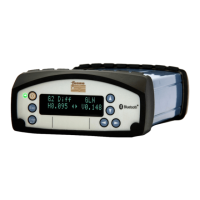
SeaSTAR 3610 USER MANUAL
Use the and buttons to view the available reference
stations. Press the button to be able to change the
setting. Use the and buttons to select the setting and
press to save the setting.
Display configuration menu
From the Display cfg menu it is possible to change contrast and enable or disable
backlight on the display.
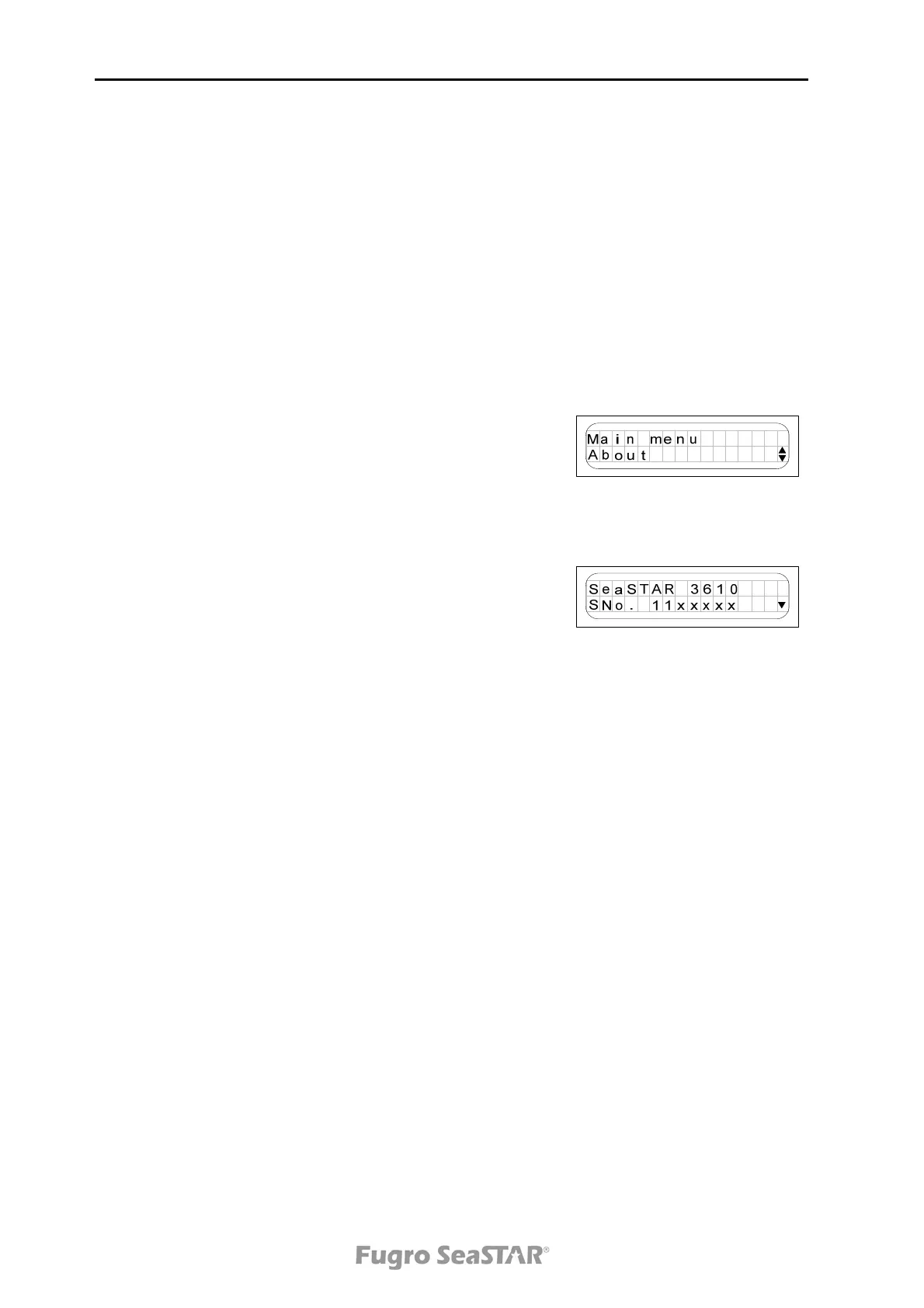
The About menu
The About menu shows information about the 3610
DGNSS receiver. The DGNSS receiver type, serial
number and software version are displayed.
In addition, the subscription expiry date of the DGNSS
service is displayed.
The serial number (SNo) of the unit is important when
contacting Fugro SeaSTAR for subscription requests.
From the About menu it is also possible to select factory
defaults and to reboot the receiver.
Note! Performing factory defaults will erase the
subscription.
Issue 2.0 02/10
18



 To Next Page