Fax/Internet Fax
203
Fax
4
= A character to wait for dial tones
+ Available, but ignored
(Space) Available, but ignored
For more information, refer to the documentation provided with the Server Fax Kit.
Specifying a Destination Using the Redial Feature
You can specify recipients using the Redial feature.
Important • When transmission to a certain recipient is prohibited in the System Administration
mode,Å@the [Redial list] button cannot be used.
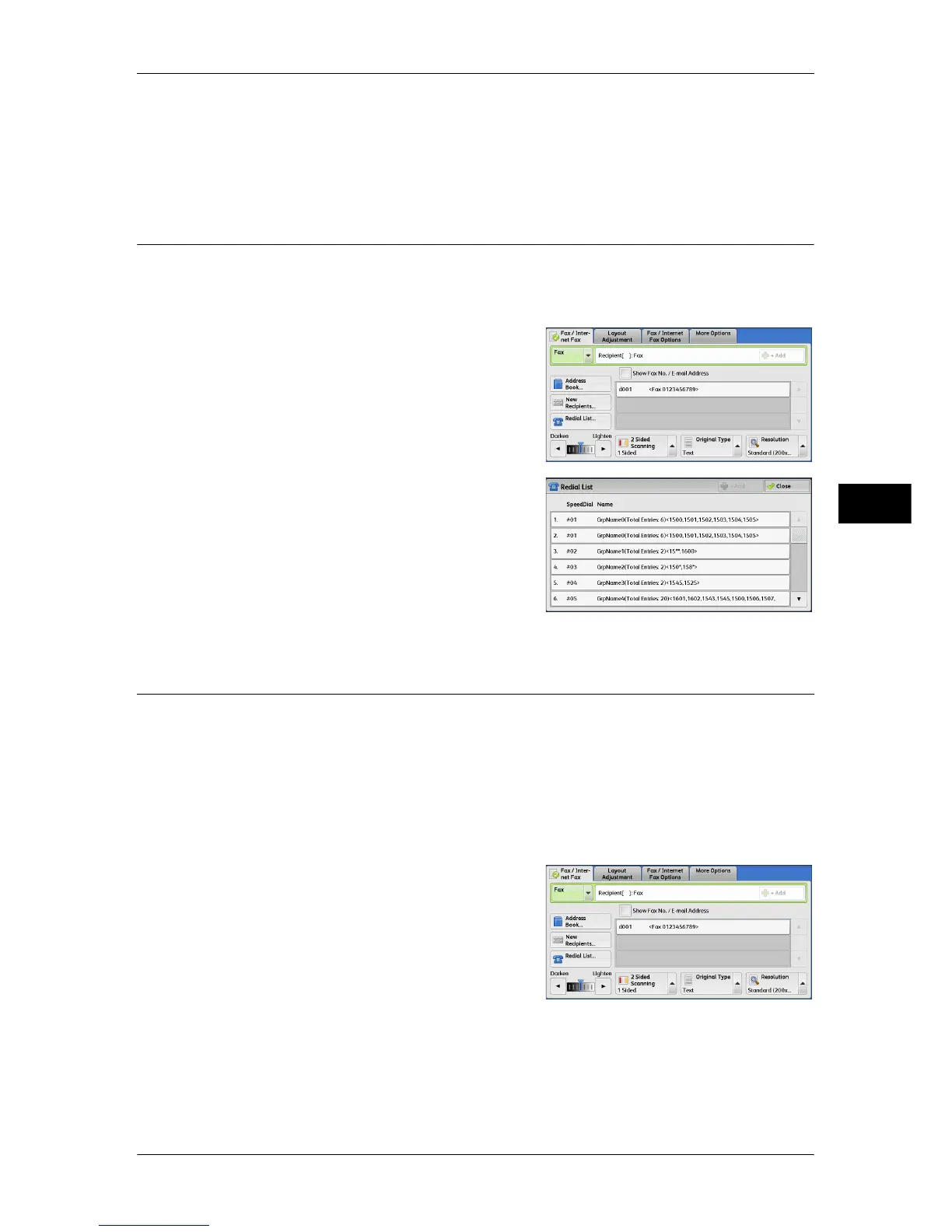
1 Select [Redial List].
2 Select items you want to specify for a
recipient, and select [Close].
Specifying a Line (Port)
You can specify lines using the keyboard screen. When the Additional G3 Port 2
(optional) is installed, you can specify the line (port) and send faxes. Local terminal
information can be registered to each line. You can use each line for a different
purpose.
Important • When transmission to a certain recipient is prohibited in the System Administration mode,
the [New Recipients] button cannot be used.
For information on how to set [Local Terminal Information], refer to "5 Tools" > "Fax Service Settings"
> "Local Terminal Information" in the Administrator Guide.
1 Select [New Recipients].



 To Next Page
 Loading...




