To reset the volume’s clipping planes and orientation
Do one of the following:
Click the Reset tool.
Press the HOME key.
To reset the volume’s clipping planes (desktop only)
Press the G key.
Using the scalpel tool
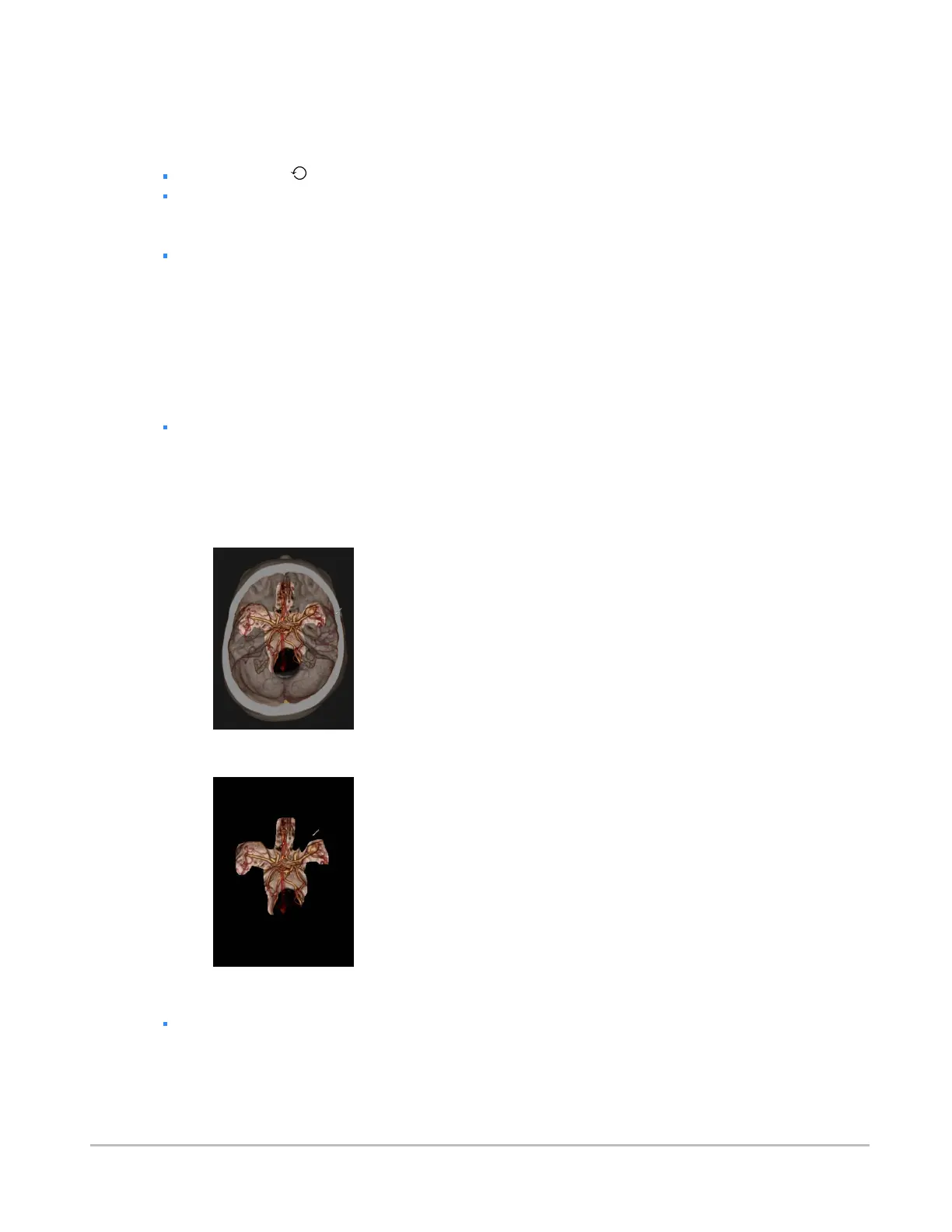
You can use the scalpel tool to cut away obscuring anatomy with a much greater degree of precision than
using clipping planes.
To toggle the scalpel tool
Press the X key.
To cut away obscuring features
1. Left-click and drag the scalpel around the region of interest to create an outline.
2. When satisfied with the shape of the outline, release the mouse button. Position the mouse
cursor over the region you wish to highlight and remove.
3. Press Delete to remove the region.
To undo cuts made with the scalpel tool
While the scalpel tool is enabled, press Z.
Synapse® Mobility User Guide for HTML5 Viewer
Confidential and Proprietary
DOC-0046692-A
42













 To Next Page