source data, and could vary depending on the data set (if the data was generated in a
different language, for example).
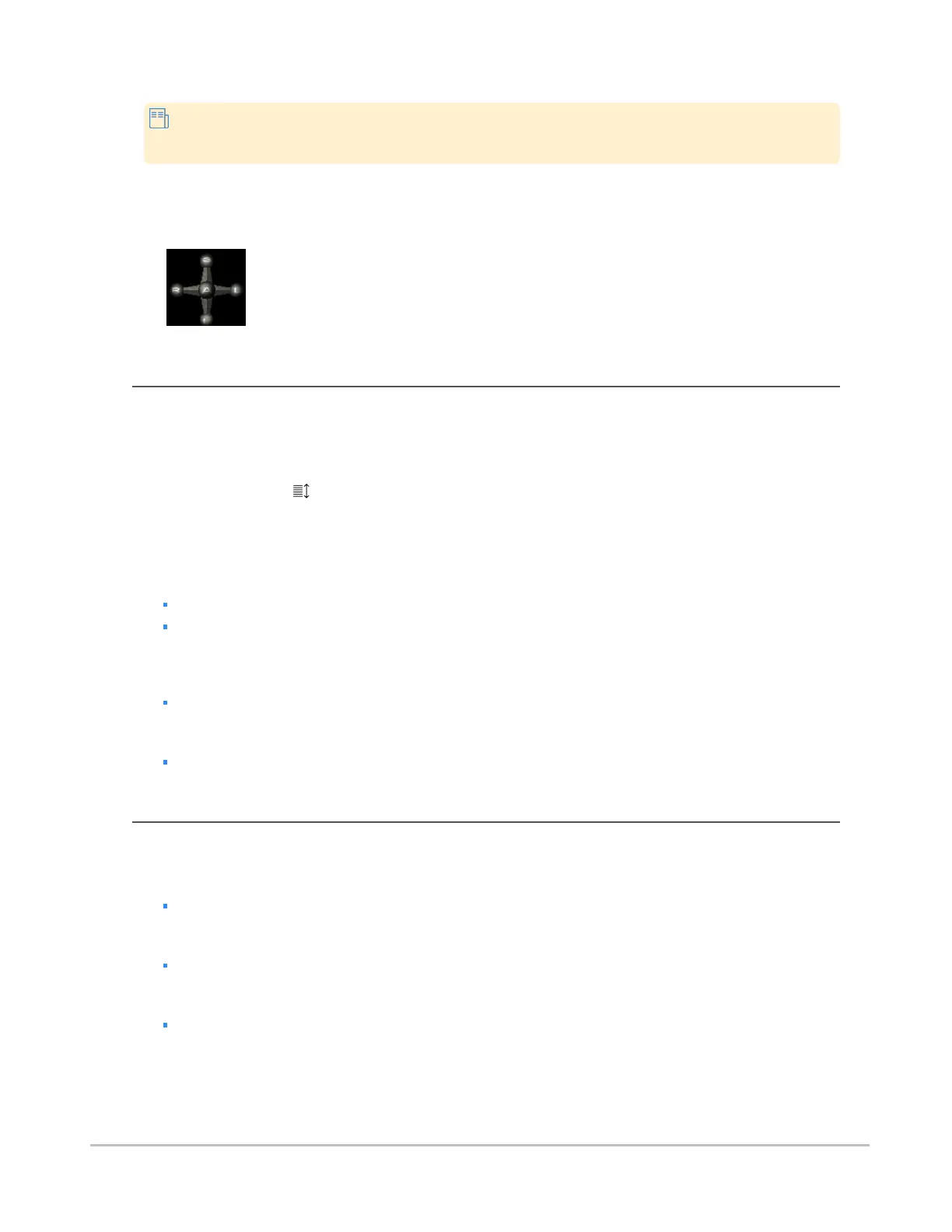
In MIP/MPR view mode, patient orientation is indicated using an interactive orientation widget in the bottom
right of the image. You can snap the volume to any of the six standard orientations by clicking the spheres
on the orientation axis.
Scrolling through images
You can scroll using either the Scroll tool or, when a tool other than Scroll is selected, you can scroll using
mouse and keyboard or touch gestures.
To scroll using the Scroll tool
1.
Click the Scroll ( ) tool.
2. Click the main view, then drag up or down.
To scroll using mouse and keyboard
Do one of the following:
Scroll up and down with the mouse wheel.
Press the Right arrow key to advance to the next slice and press the Left arrow key to go back
to the previous slice.
To scroll using touch gestures
Drag up/down.
Alternately, to scroll through single images:
Tap near the top or bottom of the view
Manipulating planes
The following procedures describe how to manipulate the planes in the strip views.
To move a plane orthogonally
Click a solid part of a positional line and drag.
To rotate a plane
Click a dashed part of a positional line and drag.
To freely move a set of positional lines
Click in the center of the “cross hair” formed by the positional lines and drag.
You can also instantly center the positional lines on a region of interest by directly triangulating
a point.
Synapse® Mobility User Guide for HTML5 Viewer
Confidential and Proprietary
DOC-0046692-A
44













 To Next Page