To directly triangulate a point
Hold CTRL and click on a desired point in any of the strip views. (Hold CMD and click on Mac)
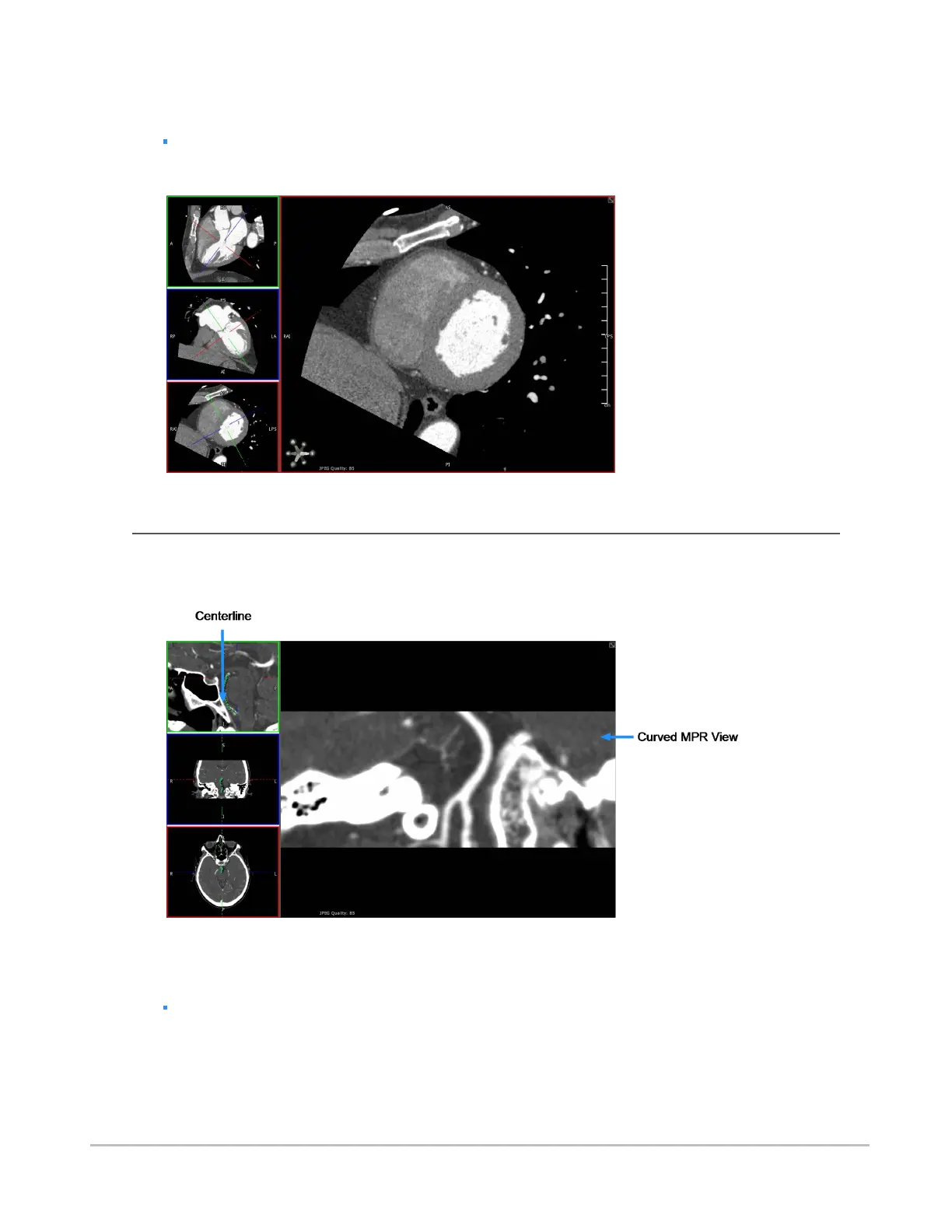
The following double oblique view was created using these methods.
Using curved MPR
You can assign the curved MPR view to the main view by double-clicking the curved MPR view, as seen in
the following example.
The following procedures describe how to use the curved MPR view.
To enable curved MPR
Select CMPR from the view menu.
By default, the bottom left pane becomes the curved MPR.
Synapse® Mobility User Guide for HTML5 Viewer
Confidential and Proprietary
DOC-0046692-A
45













 To Next Page