19
First Steps
Charging the Battery
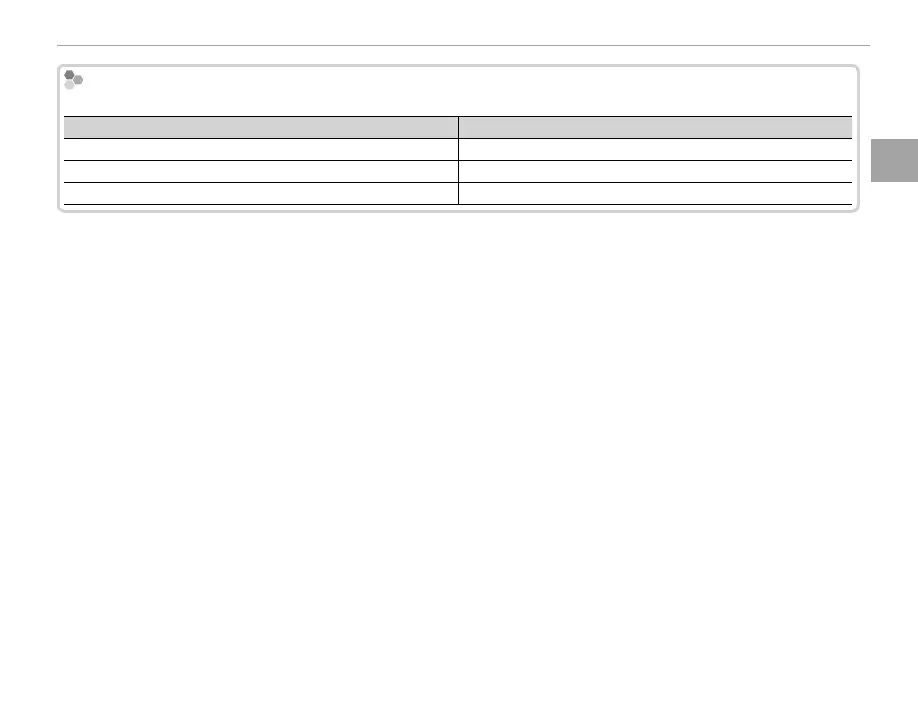
Charge Status
The indicator lamp shows battery charge status as follows:
Indicator lamp
Battery status
On
Battery charging.
O
Charging complete.
Blinks
Battery fault.
Q The battery will not charge while the camera is on.
Q Remove dirt from the battery terminals with a clean, dry cloth. Failure to observe this precaution could prevent
the battery from charging.
Q Do not a x stickers or other objects to the battery. Failure to observe this precaution could make it impossible
to remove the battery from the camera.
Q Do not short the battery terminals. The battery could overheat.
Q Read the cautions in “The Battery and Power Supply”.
Q Use only battery chargers designated for use with the battery. Failure to observe this precaution could result
in product malfunction.
Q Do not remove the labels from the battery or attempt to split or peel the outer casing.
Q The battery gradually loses its charge when not in use. Charge the battery one or two days before use. If the
battery fails to hold a charge, it has reached the end of its charging life and must be replaced.
Q Charging times may increase at very low or very high temperatures.



 To Next Page