20
Charging the Battery
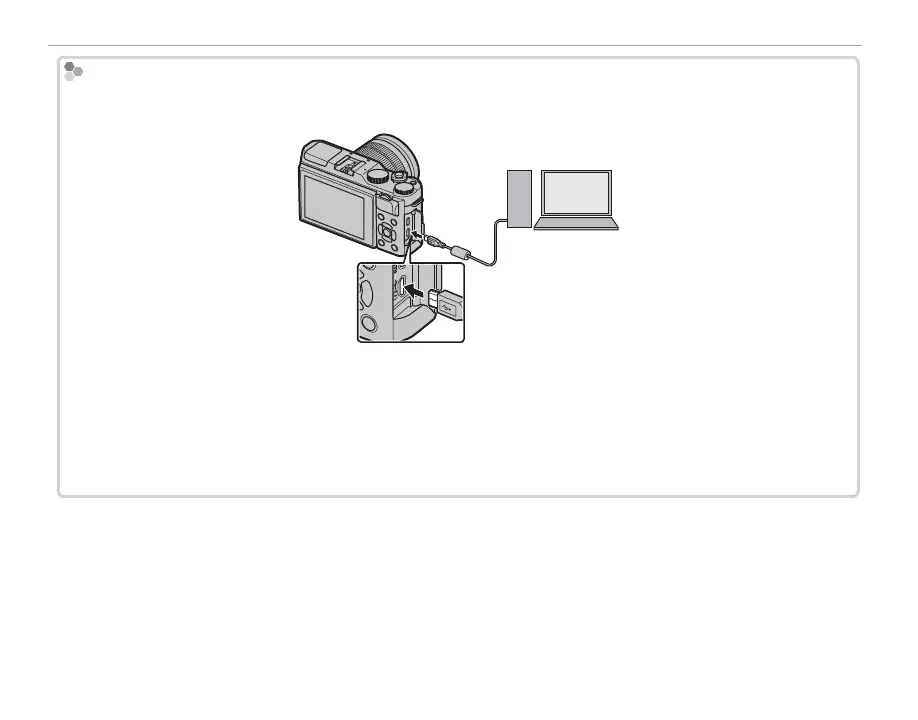
Charging via a Computer
The battery can be charged by connecting the camera to a computer. Connect the supplied USB cable as
shown, making sure the connectors are fully inserted.
Q The battery will not charge while the camera is on.
Q Connect the camera directly to the computer; do not use a USB hub or keyboard.
Q Charging stops if the computer enters sleep mode; to resume charging, activate the computer and discon-
nect and reconnect the USB cable.
Q Charging may not be supported depending on the model of computer, computer settings, and the com-
puter’s current state.
Connect to camera
Micro USB (Micro-B)
connector



 To Next Page