Operation
Changing the monitor settings
When putting the monitor into operation for the first time, the screen d isplay should
be op timally adapted to the display adapter used.
Changing the monitor setti
ngs with the buttons
of the control panel
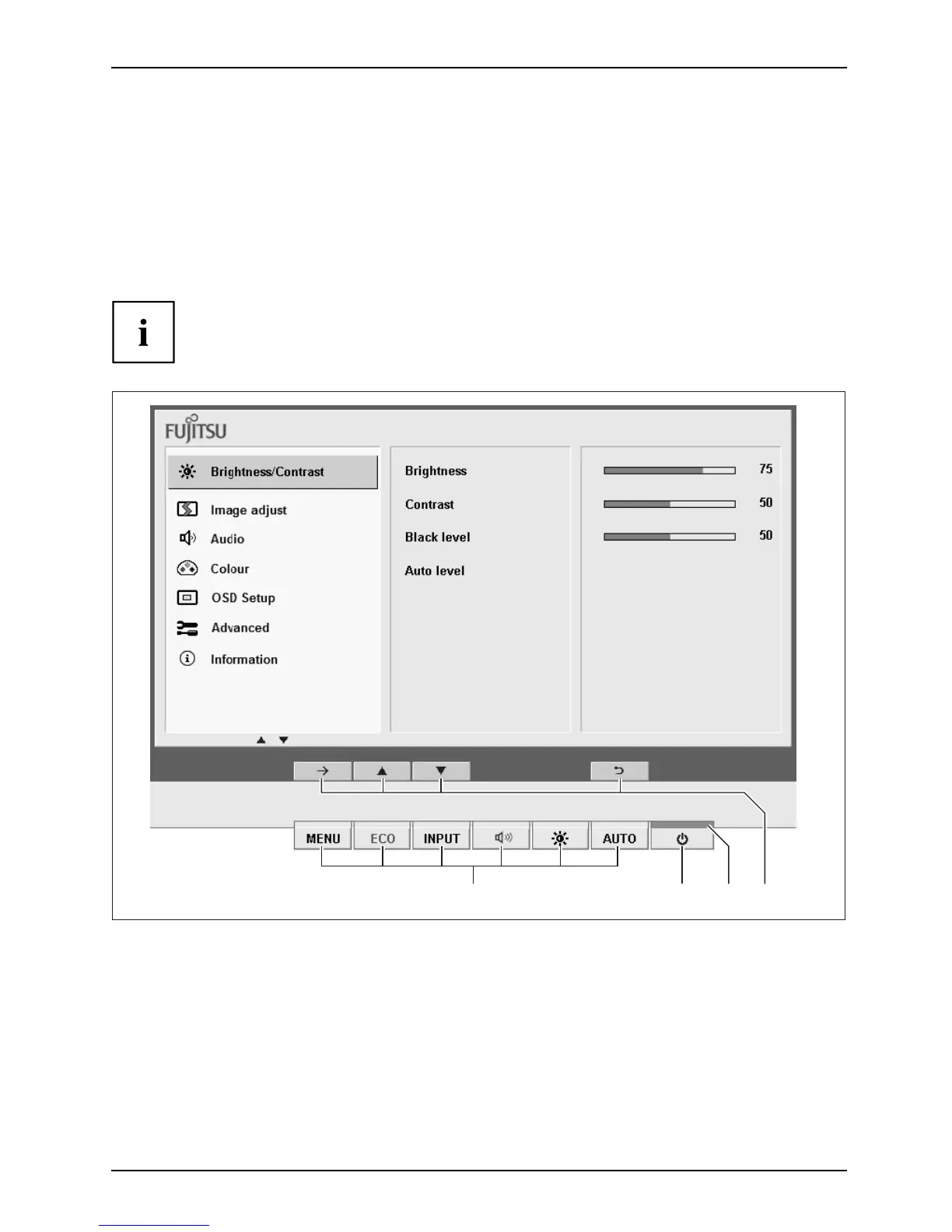
The buttons o f the control panel have two functions. If the OSD menu is
activated, a description of the current function of the buttons is displayed
directly above the buttons at the edge o f the s creen. I f the O SD menu is not
activated, you can make the following settings directly:
1234
1 = Buttons for the OSD menu (On
Screen Display)
2 = ON/OFF switch
3 = Power supply indicator
4 = Softkeys
21



 To Next Page
 Loading...








