Operation
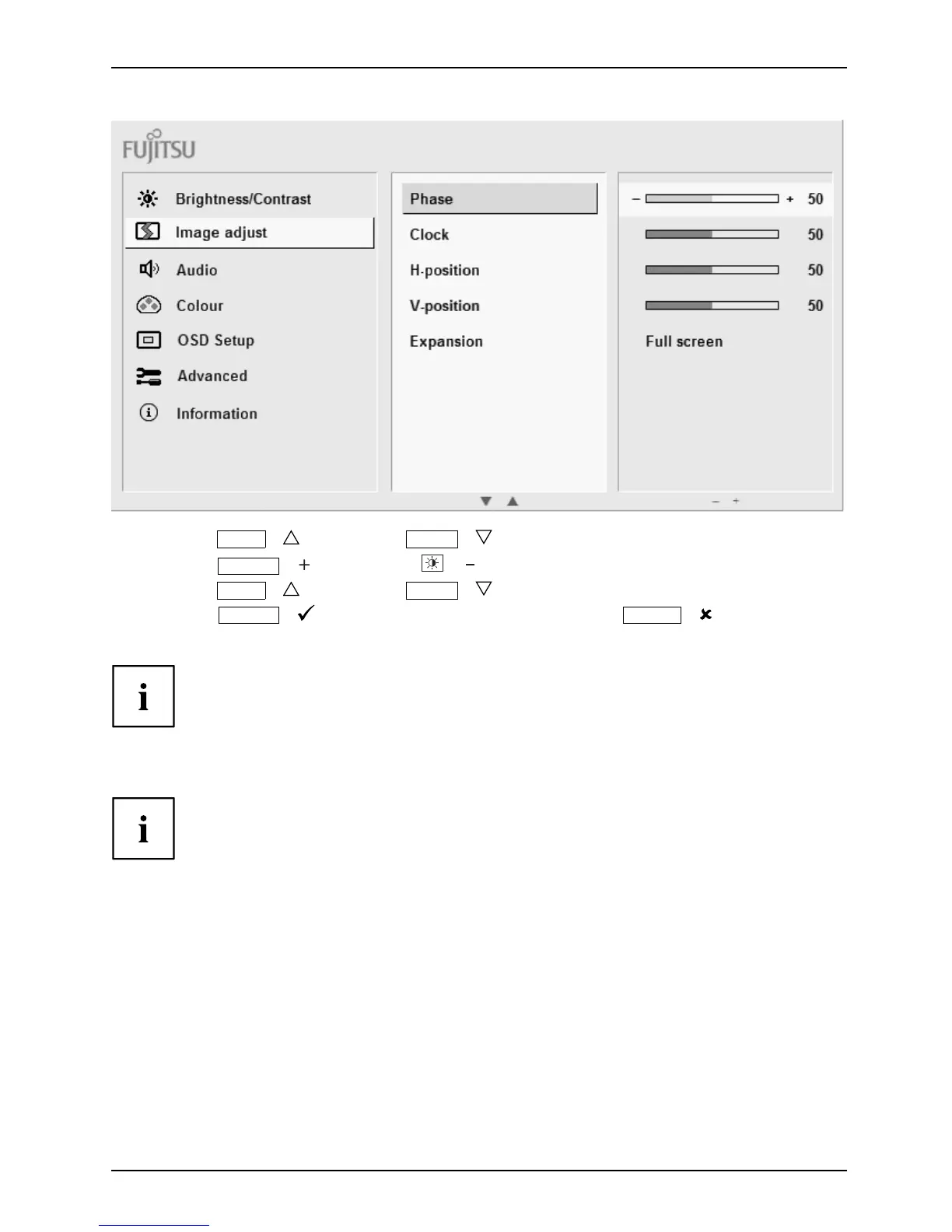
► Press the
ECO
/ button or the
INPUT
/ button to highlight another f unct ion.
► Press the
MODE
/ button or the / button to change the setting.
► Press the
ECO
/ button or the
INPUT
/ button to highlight another f unct ion.
► Press the
MENU
/ button to save the change or press the
AUTO
/ button
to exit the function without making any changes.
If you want to c hange other settings, select the corresponding fun ction from the O SD
main menu. All possible adjustments of the ma in menu are described in the following.
OSD m enu f
unctions
The O SD menu for analogue monitor ope ration is described below. D uring
digital opera tion some functions are not available, as they are not required
due to the digital transmission technology used.
25



 To Next Page
 Loading...








