Operation
Adjusting the brightness and contrast
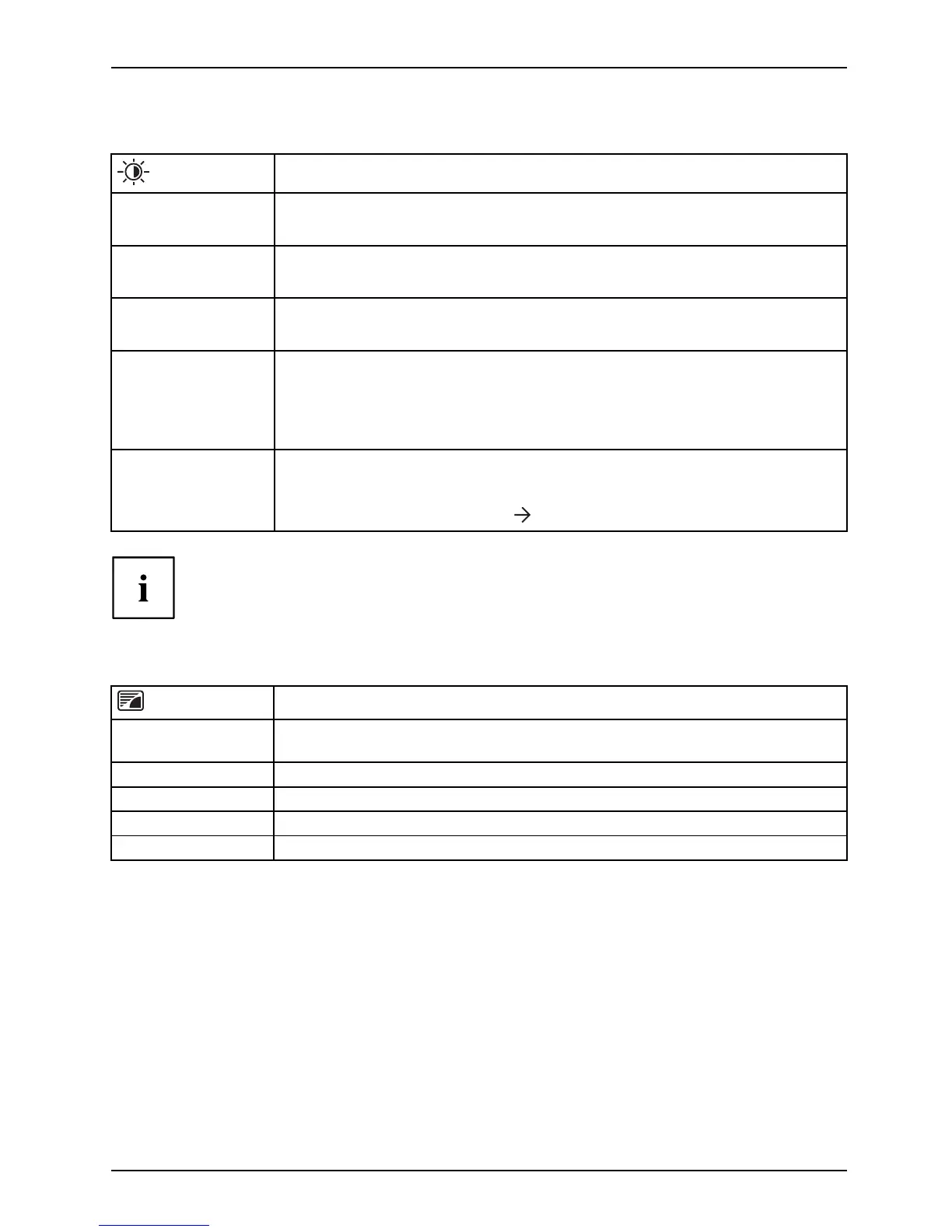
Call up the Brightness/Contrast setting window
Brightness
Set the brightness of the display
With this function you ch ange the brightness of the b ackground lighting.
Contrast
Set the contrast of th e display
With this function you modify the contrast of bright colour tones.
Black level
Set the brightness of the display
With this function you mod ify the contrast of dark colour tones.
ACR
Enable/disable dynamic contrast
This function improves the contrast by autom atically controlling the
background lighting in relation to the image being displayed.
This setting can only be configured in Video application mode.
Auto level
Adjust the signal level
With this function you can automatically set the contrast.
The function is executed using
.
If the contrast is set too high, bright surfaces can no l onger be distinguished from very
bright surfaces. If the contrast is set too low, the maximum brightness will not be achieved.
Selecting the application mode
Call up the Mode setting window
D mode
Setting for DICOM simulation (the values for color and ACR are locked:
color = 7500K, ACR = off)
sRGB
Predefined setting for sRGB (reduced brightness)
Office
Office sett
ing (the values for color and sharpness can be adjusted)
Photo
Predefined setting for photo (colour, sharpness)
Video
Predefined setting for video (color, sharpness, ACR)
Fujitsu 27














 To Next Page