Operation
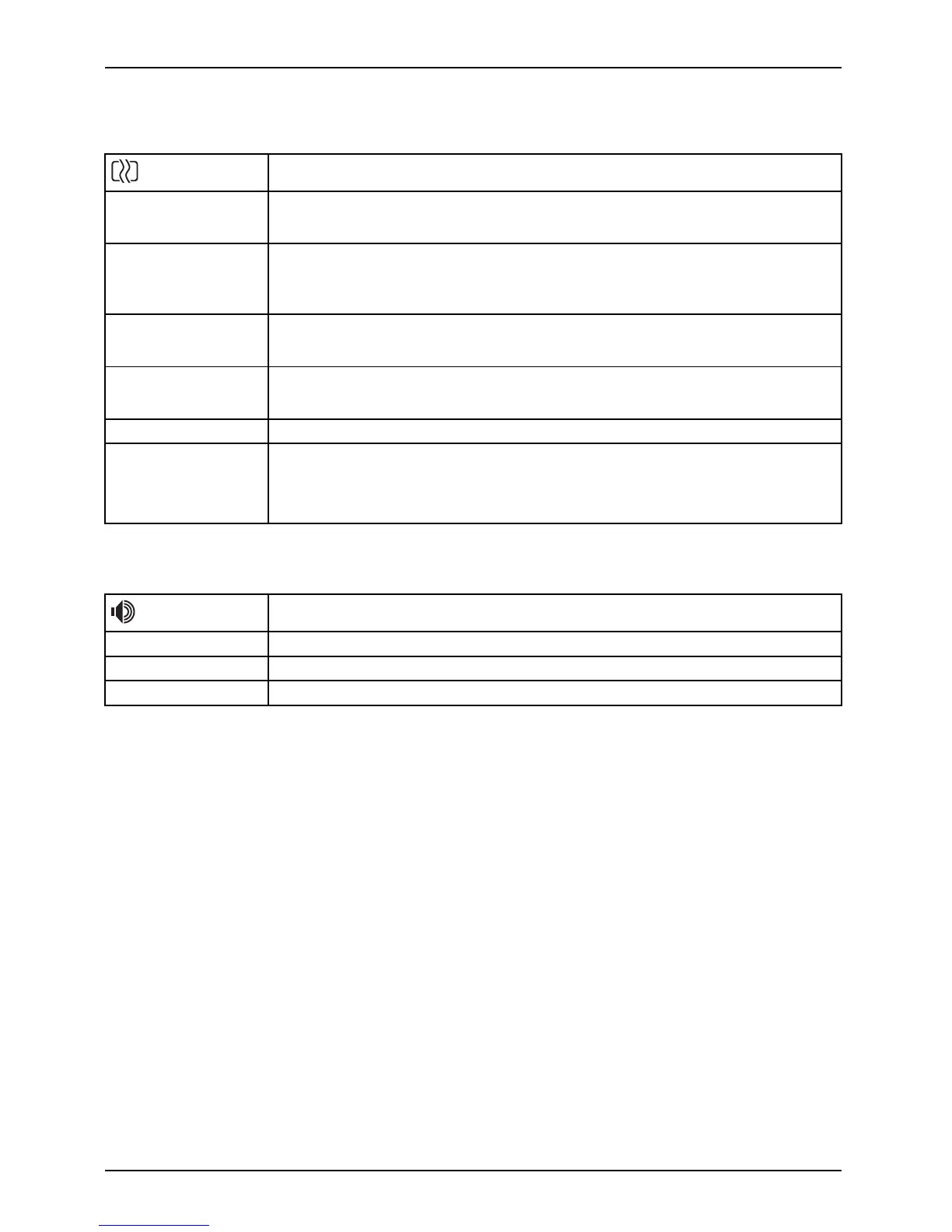
Setting th e screen display
Open the Image setting window
Phase
Eliminate picture disturbance
With this function you fine-tune your monitor to eliminate picture disturbance.
Clock
Set synchronisation
With this function you adjust the picture width to eliminate vertical picture
disturbances.
H-Position
Adjust the horizontal position
With this function you move the pic ture to the left or to the right.
V-Positio n
Adjust the vertical position
With this funct ion you move the picture up or down .
Sharpness
Adjust the sharpness of the picture for the Photo and Video modes.
Expansion
Adjust the picture size
Full screen = selection of full screen mode
Keep aspect = maximum picture size without distortion
Adjusting the volume
Call the Audio setting window
Vol um e
Set the volume for playba ck with the integrated loudspeakers
Mute
Switch the loudspeakers o ff or on
Input
Selecting th
e audio input signal (DP, PC Audio)
28 Fujitsu














 To Next Page