Modular RAID Controllers
25
Modular RAID 3Gb/s (SAS1.0)
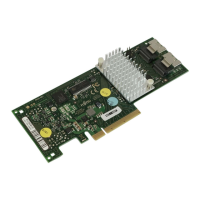
Step 3 Install the new SAS RAID controller
Insert the controller in a suitable PCIe slot on the system board,
as shown in the figure above (see your system board guide for
information on the PCIe slot). Press down gently but firmly to
ensure the card is properly seated in the slot. Secure the
controller to the server chassis with the PCI card hold down
latches. Connect the SAS and/or SATA HDDs located in the
system to the SAS cable connector(s) on the controller.





 To Next Page