28 – English Mainboard D3488
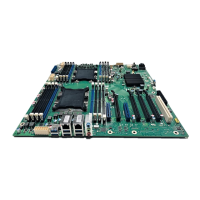
Replace the processor / install a second processor
Processors supported
● Up to two Intel® Xeon® CPUs (Platinum, Gold, Silver, Bronze)
● Two bases, type P0 LGA 3647
● Maximum power: 165 W
● Both processors must be of the same type, i.e. the number of the internal processor cores,
● and the clock rate and Intel QuickPath Interconnect (QPI) frequency must be the same.
i
Use a suitable multiprocessor operating system for operation with two processors.
!
Never touch the underside of the processor. Even minor soiling such as grease from the
skin can impair the processor’s operation or destroy the processor.
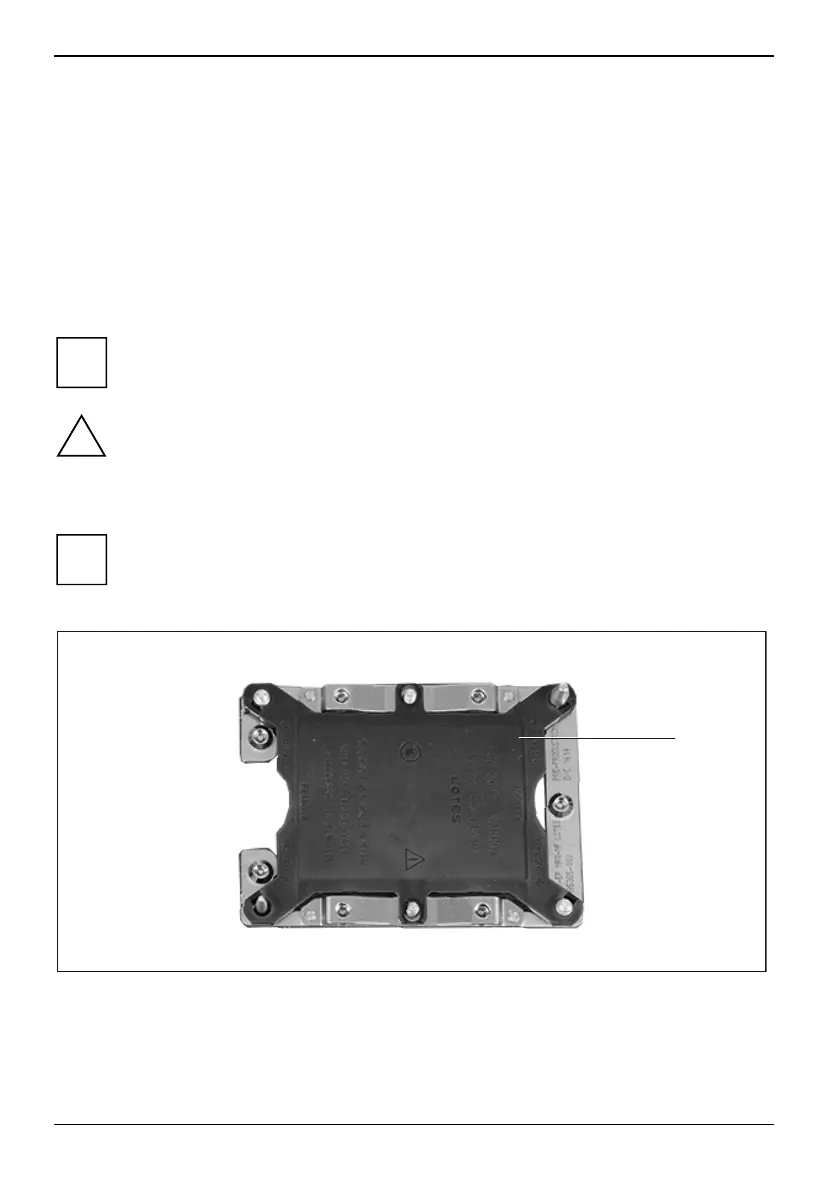
Remove the processor base cover
i
The processor base cover must only be removed when upgrading
with a second processor.
► Remove the heat sink.
1
► Remove the cover of the processor base (1) and keep it in a safe place.
66 Fujitsu


 To Next Page