CONTENTS
Introduction
1 NAMES AND FUNCTIONS OF PARTS
2 BASIC SCANNER OPERATION
2.1 Turning the scanner ON/OFF
2.2 Setting the ADF
2.3 Loading documents onto the ADF
2.4 Scanning document using the Flatbed
2.5 Scanning documents
2.6 How to use the Scanner Driver
3 SCANNING VARIOUS TYPES OF DOCUMENTS
4 DAILY CARE
5 REPLACING CONSUMABLES
6 TROUBLESHOOTING
7 ONLINE SETUP
8 DOCUMENT SPECIFICATION OF ADF
9 OPTIONS
10 SCANNER SPECIFICATIONS
Appendix
2.5 Scanning documents (Continued from the previous page)
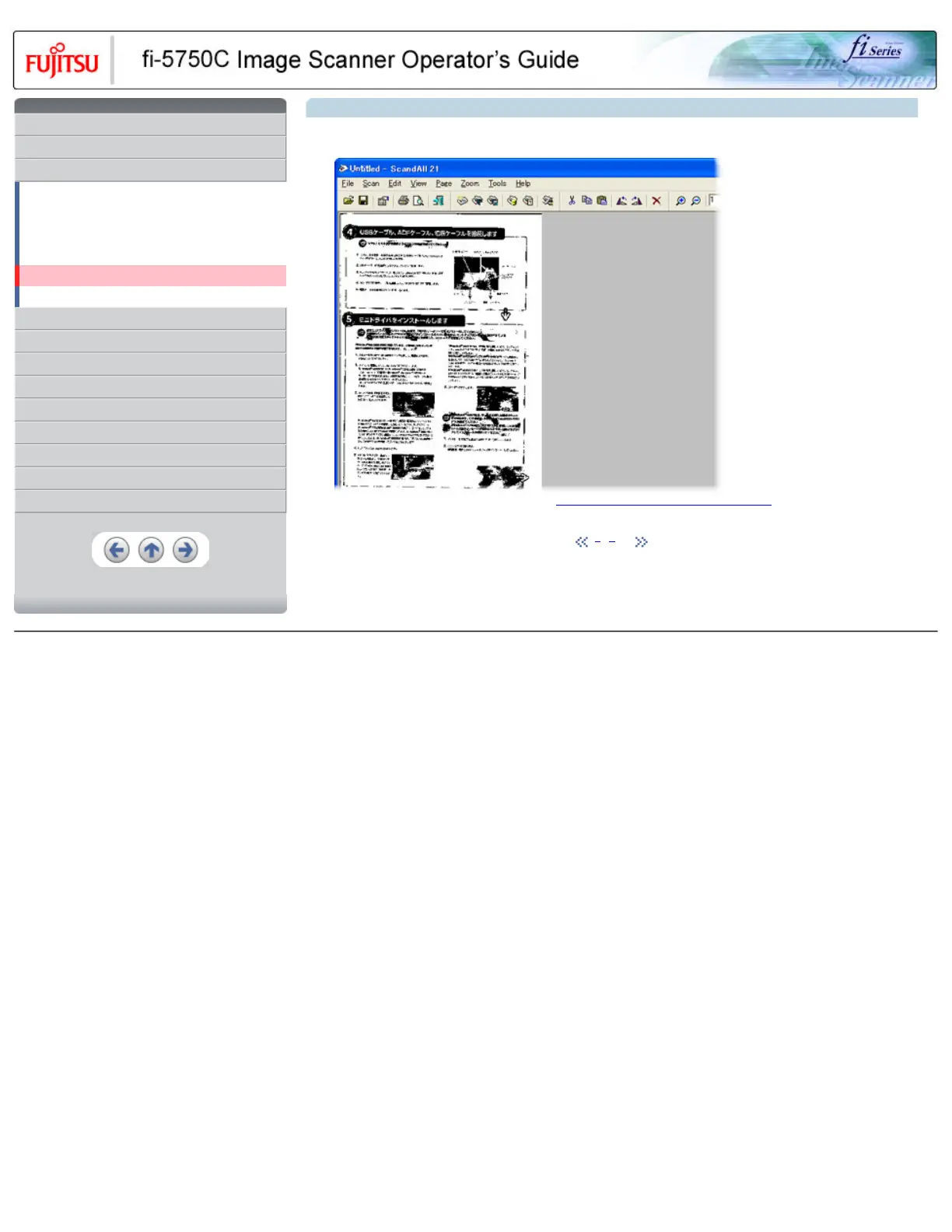
The images of scanned documents are displayed on the [ScandAll 21] window.
For details on different types of scanning, refer to "3 SCANNING VARIOUS TYPES OF DOCUMENTS". For details on functions and
operations of ScandAll 21, refer to "ScandAll 21 Help".
1 | 2 | 3
All Rights Reserved, Copyright (C) PFU LIMITED 2003










 To Next Page