One
Setting Up Your LifeBook E Series
LifeBook E Series from Fujitsu
3
Please take a moment now to locate your pack-
ing sheet and circle or enter the options that
apply to your LifeBook specifications in the
space to the right.
Once you have checked and confirmed that
your notebook system is complete, read
through the component identification section
and learn about the features of your LifeBook.
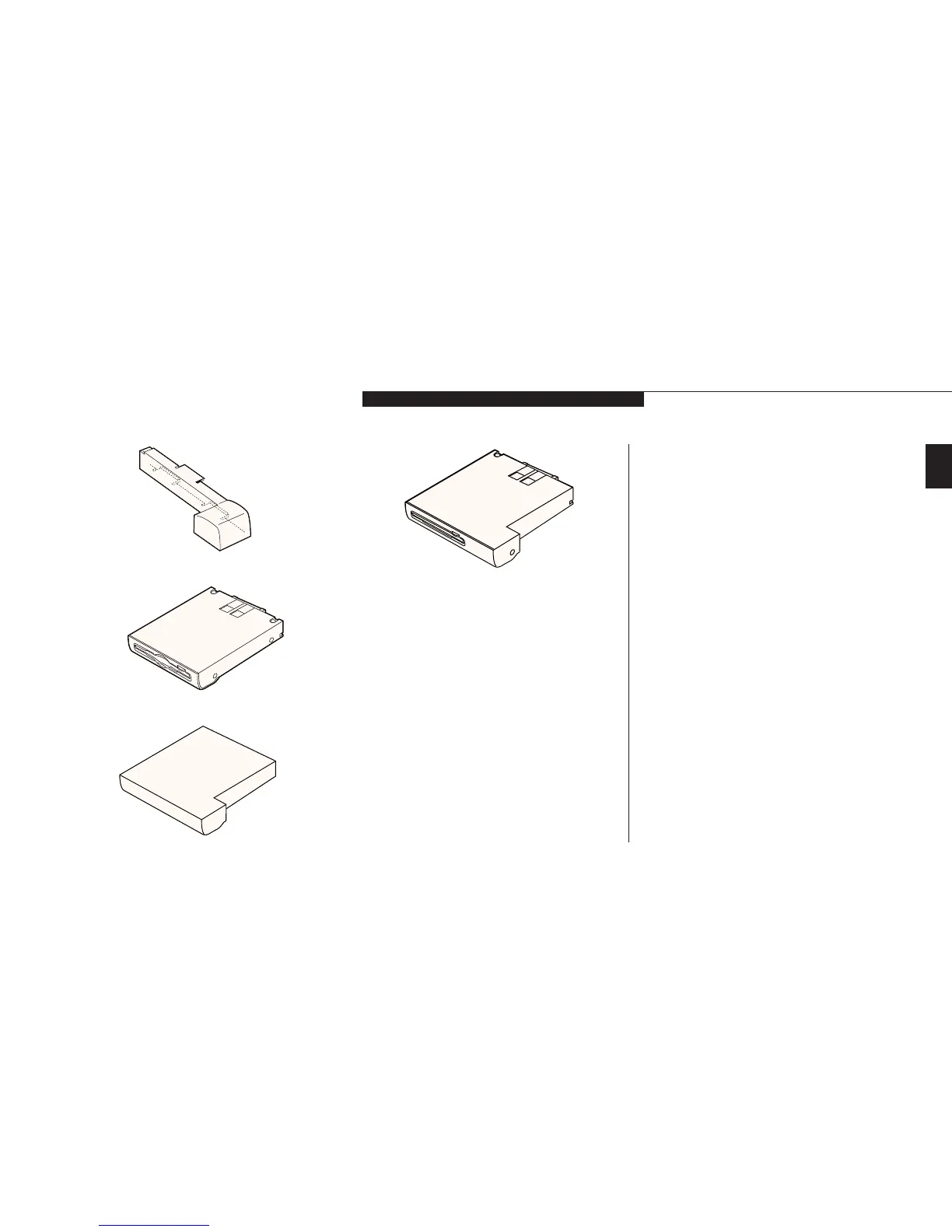
Figure 1-3 Battery Adapter for Multi-function Bay 2
Figure 1-4 Floppy Disk Drive
Figure 1-5 Weight Saver (for Multi-function Bay 2 only)
Please take a moment and complete this, for
your future reference.
Date Purchased: ________________________
CPU:
@
400Mhz Celeron
@
400Mhz PII
@
333Mhz PII
@
366Mhz PII
LCD:
@
XGA (1024x768)
@
SVGA (800x600)
SDRAM:
@
32MB
@
64MB
HDD:
@
4.3GB
@
6.4GB
@
10GB
Communications Port:
@
V.90 Modem
@
Fast Ethernet Module
@
None
Multi-function Bay Devices:
@
Floppy Disk Drive FPCFDD05
@
CD-ROM Drive FPCCD09
@
Iomega Zip 100 Drive FPCZIP03
@
Lithium ion Battery FPCBP14
@
Weight Saver FPCBB01
@
Floppy Disk Drive FPCFDA03
Integrated Pointing Devices:
@
ErgoTrac
™
@
Touchpad
Figure 1-6 Modular Zip Drive (Available on
some configurations)








 To Next Page