Four
User Installable Features
LifeBook E Series from Fujitsu
69
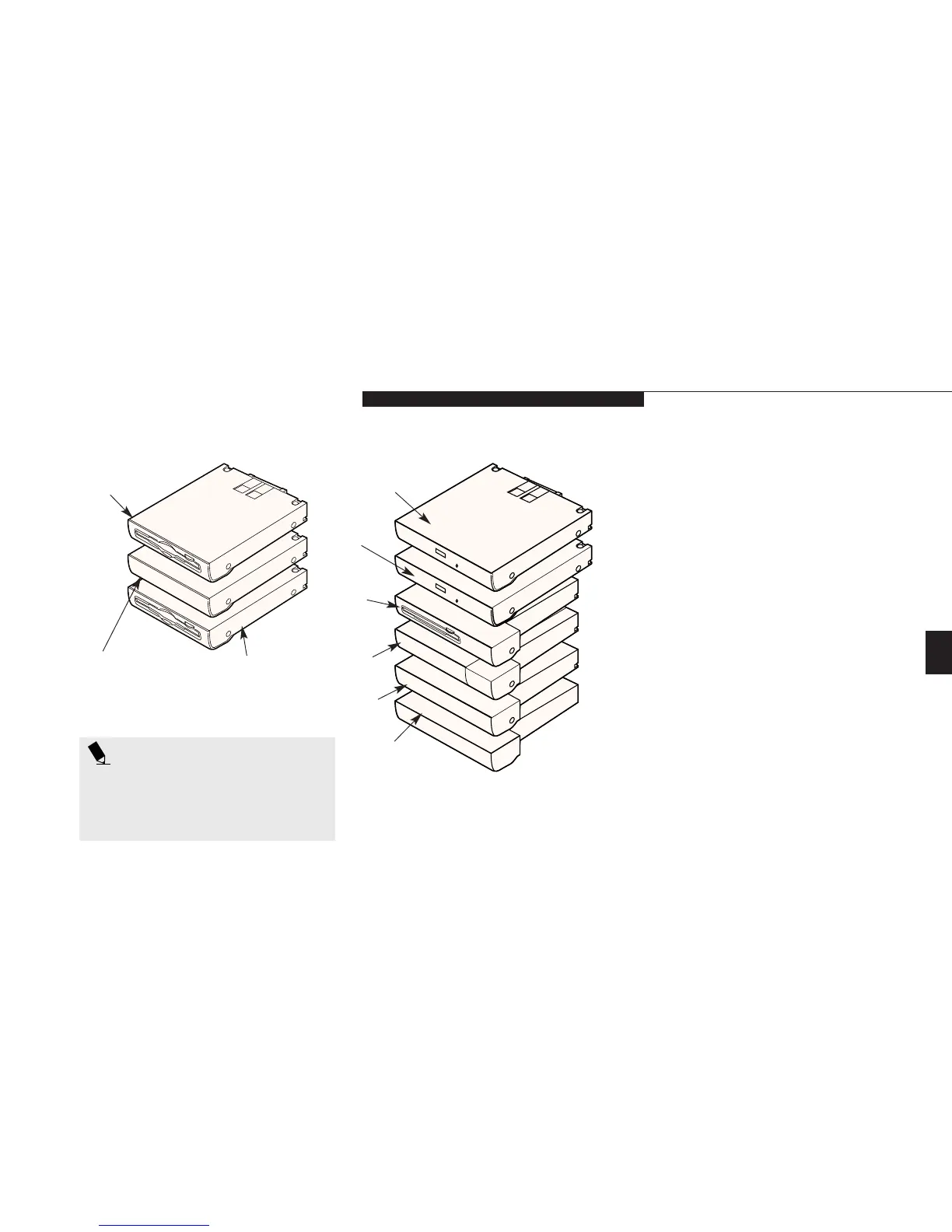
Figure 4-1 Multi-function Bay Devices
Floppy
Disk Drive
Lithium ion Battery
Second Hard Drive
Weight Saver
CD-ROM Drive
Lithium ion
Battery with
Adapter
DVD Drive
Zip Drive
Bay 1 Devices
Bay 2 Devices
MULTI-FUNCTION BAY DEVICES
The bays in the front panel of your notebook
can accommodate a CD-ROM drive, a floppy
disk drive, Lithium ion batteries, a second
hard drive, a SuperDisk drive, a DVD drive,
or a weight saver.
The Multi-function bays support a variety
of configurations and optional devices.
Multi-function Bay 1 supports:
■
3.5" floppy disk drive.
■
Primary Lithium ion battery.
■
SuperDisk drive.
Multi-function Bay 2 supports:
■
24x maximum CD-ROM drive.
■
2x maximum DVD drive.
■
Iomega Zip 100 drive.
■
Second 6.4GB hard drive.
■
Lithium ion battery installed with Battery
Adapter for Multi-function Bay 2.
(Adapter included with your Battery.)
■
Weight Saver.
SuperDisk Drive
POINT
This section describes all the possible
options available with the LifeBook E
series. You may not have all the optional
features described in this section.








 To Next Page