Section Three
40
CD-ROM DRIVE
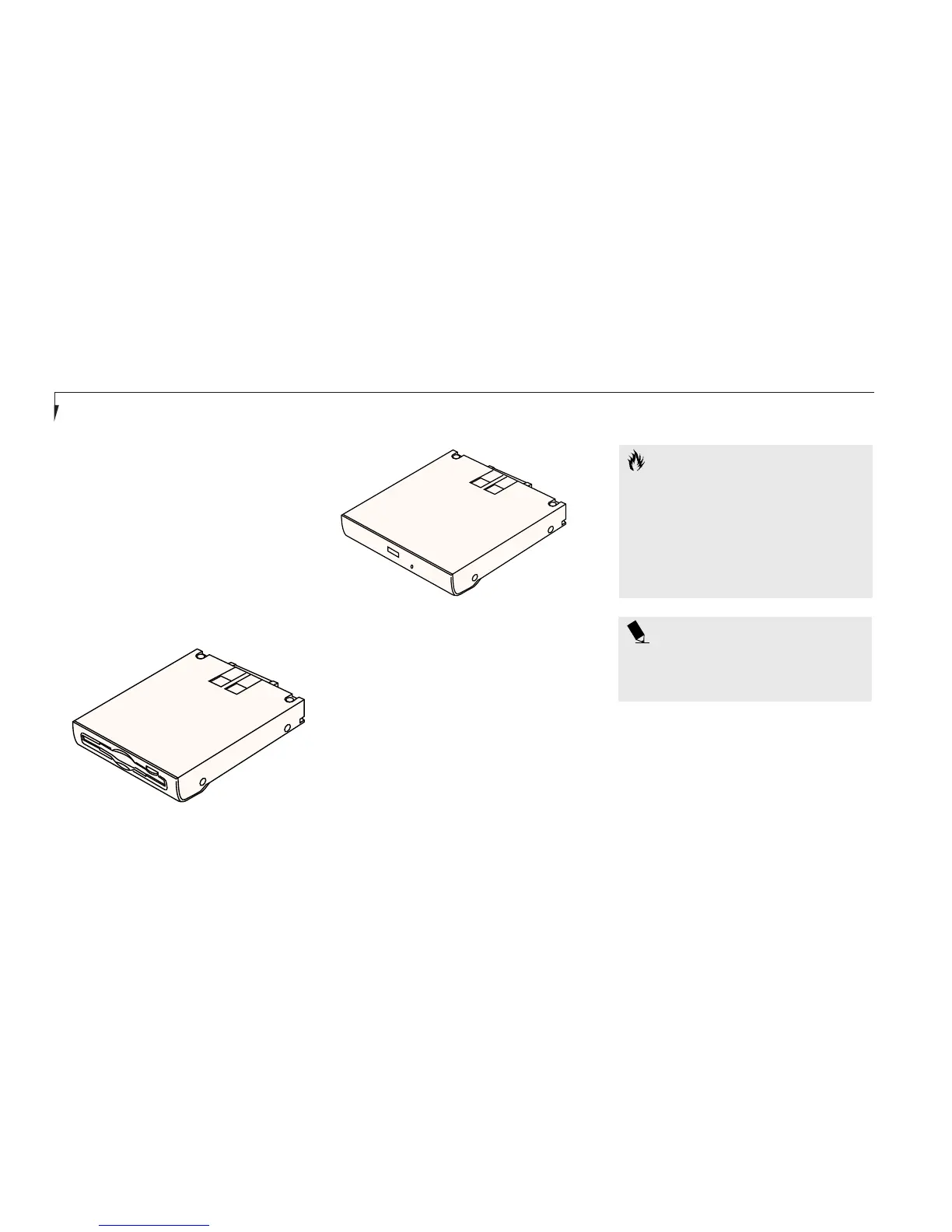
The modular CD-ROM drive is a 24x
maximum reader. (Figure 3-13.)
DVD DRIVE
The modular DVD Drive is a 2x maximum
reader and takes the place of the CD-ROM
drive in Multi-Function Bay 2. It works very
much like a CD-ROM drive in that it can read
CD-ROMs as well as DVDs. It can also play
Audio CDs. (Figure 3-13.)
CAUTION
Do not operate your DVD/CD-ROM
drive unless your notebook is sitting on
a flat surface and the adjustment feet
are folded against the bottom of the
notebook. Using a DVD/CD when the
drive is not level may damage the drive
or prevent proper operation.
SUPERDISK
TM
120 DRIVE
The modular SuperDisk drive is a floppy disk
drive that can read and write both 120MB
Super floppy disks and standard 1.44MB and
720KB floppy disks. It takes the place of a
floppy drive and offers greater removable
media storage capabilities. (Figure 3-12.)
The SuperDisk drive works very much like a
regular floppy disk drive in your LifeBook E
Series. Please refer to the Floppy Disk Drive
section for usage and care information.
Figure 3-12 SuperDisk Drive
Figure 3-13 DVD/CD-ROM Drive
POINT
Windows NT 4.0 does not support
video playback from either DVDs
or CD-ROMs.








 To Next Page