Section Three
28
POINT
If you are using an optional external
numerical keypad pressing the NumLk
key will activate the external keypad
and the indicator will come on, without
changing the function of any keys on
your keyboard.
CapsLock Indicator
The Caps Lock indicator tells you when the
keyboard is set for all capital letters. Activate
the all capital letters setting by pressing the
CapsLock key on the keyboard. Deactivate the
setting the same way that you activated it.
ScrLk Indicator
The ScrLk indicator tells you when scroll lock
is active. You can activate the scroll lock by
pressing the NumLk/ScrLk key. Deactivate the
setting the same way that you activated it.
INTEGRATED POINTING DEVICES
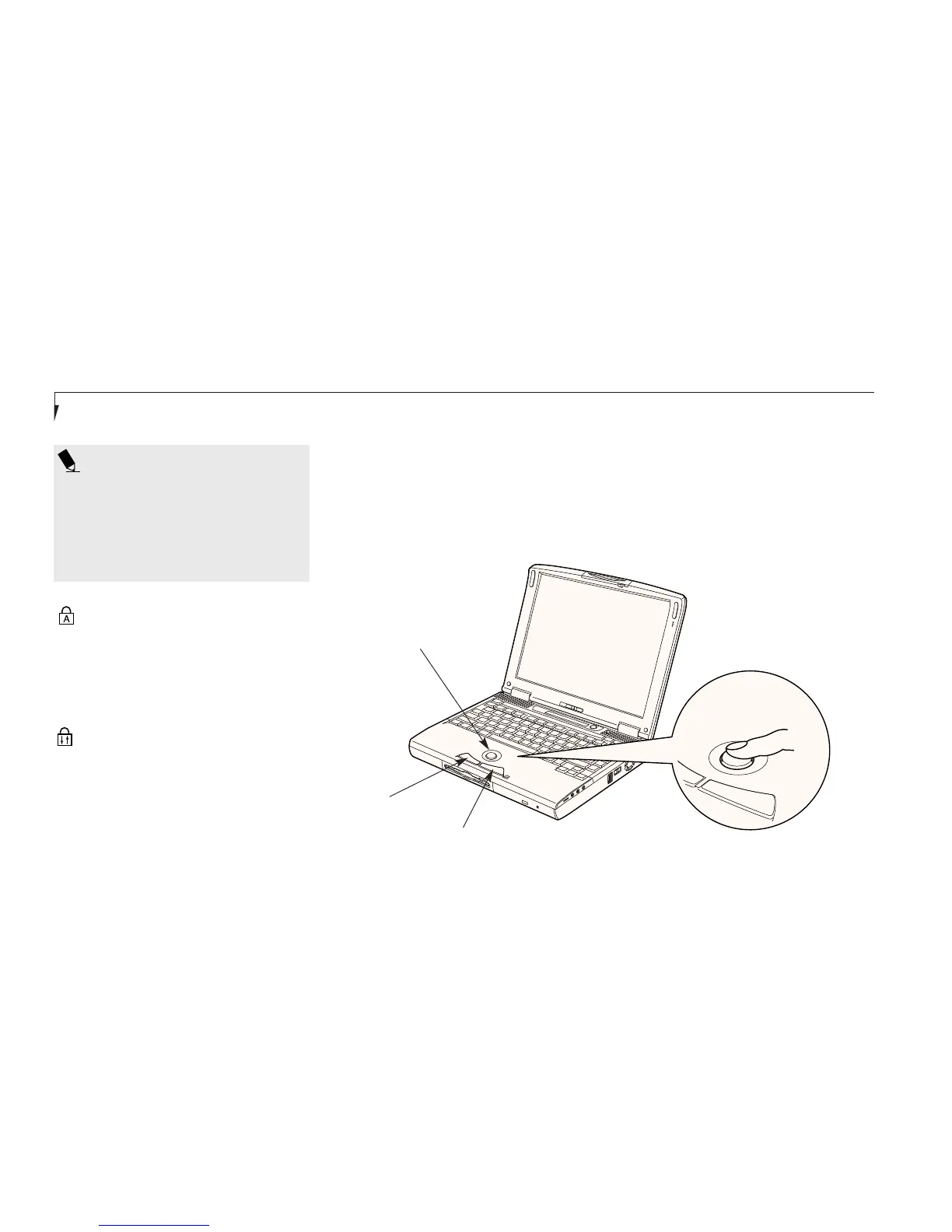
ErgoTrac Pointing Device
The ErgoTrac pointing device is composed
of a short, comfortable, dish-shaped pointing
device and two buttons located in front of the
keyboard. The ErgoTrac pointing device has
Figure 3-3 ErgoTrac Pointing Device
Right Button
Left Button
Cursor Control
the function of a mouse, and moves the cursor
around on the screen – up, down, left and right.
A light pressure with the tip of your finger is all
that is required to operate the ErgoTrac. The
more pressure you use the faster the cursor will
move. The second part of the ErgoTrac pointing








 To Next Page