Using Your LifeBook E Series
LifeBook E Series from Fujitsu
43
will have to be re-installed from the
original source. When doing a recovery
remember that you must allocate space
for the Save-to-Disk function if you
have it enabled. (See Your Save-to-Disk
File Allocation on pages 63-66 for
more information.)
CAUTION
The internal modems on all Fujitsu E Series
notebooks from Fujitsu PC Corporation
are not qualified for use with telephone
systems outside the United States
and Canada and may not operate
in other countries.
CAUTION
The internal modem is designed to the
ITU-T V.90 standard. Its maximum speed
of 53000bps is the highest allowed by
the FCC, and its actual connection rate
depends on the line conditions. The
maximum speed is 33600bps at upload.
Three
INTERNAL MODEM
Your LifeBook is configured with a K56Flex
fax/data/voice modem with V.90 support.
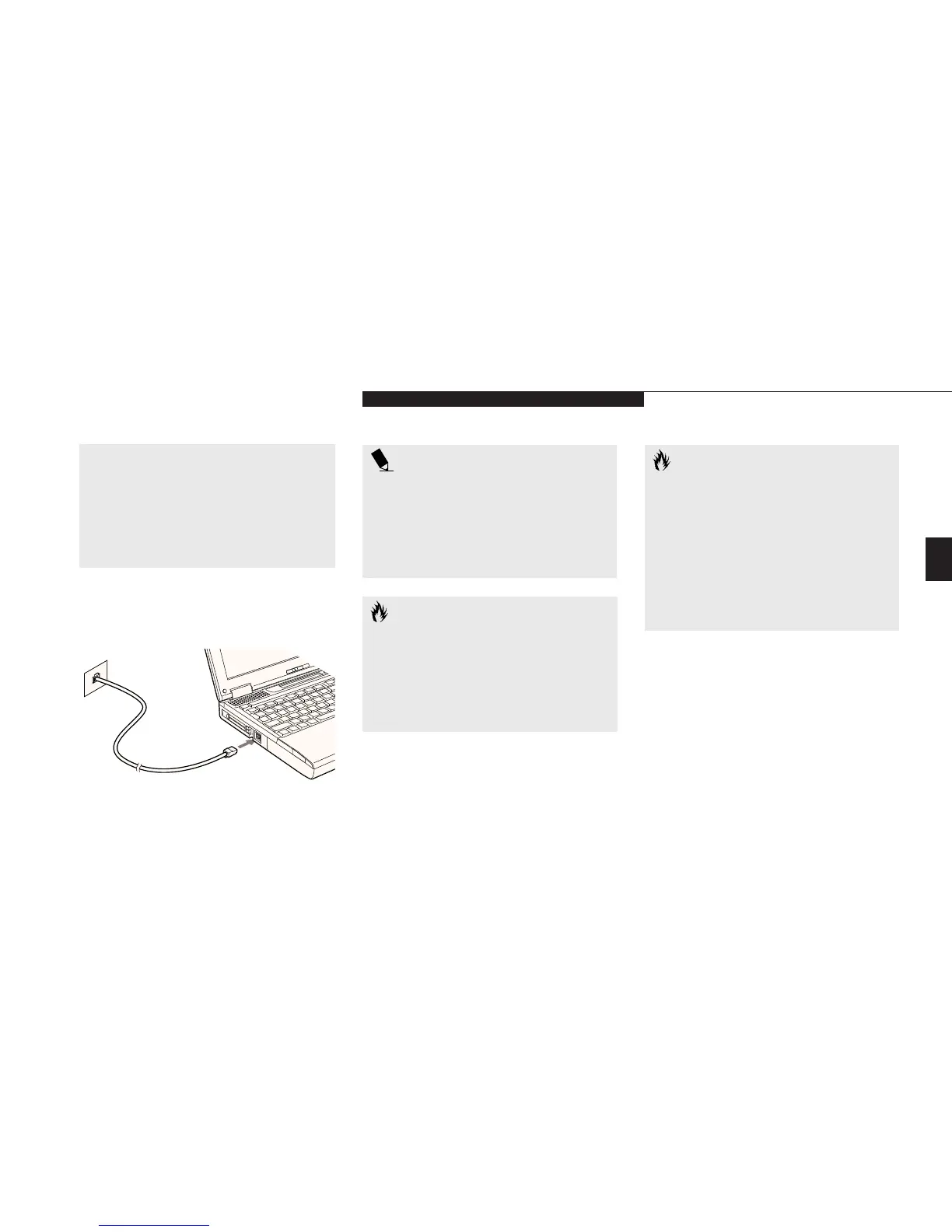
Figure 3-16 Internal Modem or LAN
CAUTION
The internal modem is not intended for
use with Digital PBX systems. Do not
connect the internal modem to a digital
PBX as it may cause serious damage to
the internal modem or your entire note-
book. Consult your PBX manufacturer’s
documentation for details. Some hotels
have Digital PBX systems. Be sure to find
out BEFORE you connect your modem.
INTERNAL LAN
If your LifeBook is configured with an internal
LAN daughter card, it is a Fast Ethernet
(10/100 Base-T/Tx) network interface with an
RJ-45 connector. Your internal LAN card will
need to be configured for use in the Windows
network control panel. Please refer to your
systems administrator for information on
your particular network configuration.








 To Next Page