Section Four
72
Second Hard Drive
The second hard drive is durable but must be
treated with care. Please pay attention to the
following points:
■
The drive rotates the disk at very high speed.
Do not carry it around or subject it to shock
or vibration with the power on.
■
Avoid using or storing the drive where it will
be exposed to extreme temperatures.
■
Avoid using or storing the drive where it is
damp or dusty.
■
Avoid using or storing the drive near magnets
or devices that generate strong magnetic fields.
■
Avoid storing the drive where it will be
subjected to shock or vibration.
■
Do not disassemble or dismantle the hard
disk drive.
After the second hard drive is installed it
will take a short time for your notebook to
recognize it.
For guidance on loading a DVD/CD in your
DVD drive or CD-ROM drive and caring for
DVDs/CDs see Section Three.
(See pages 41-42.)
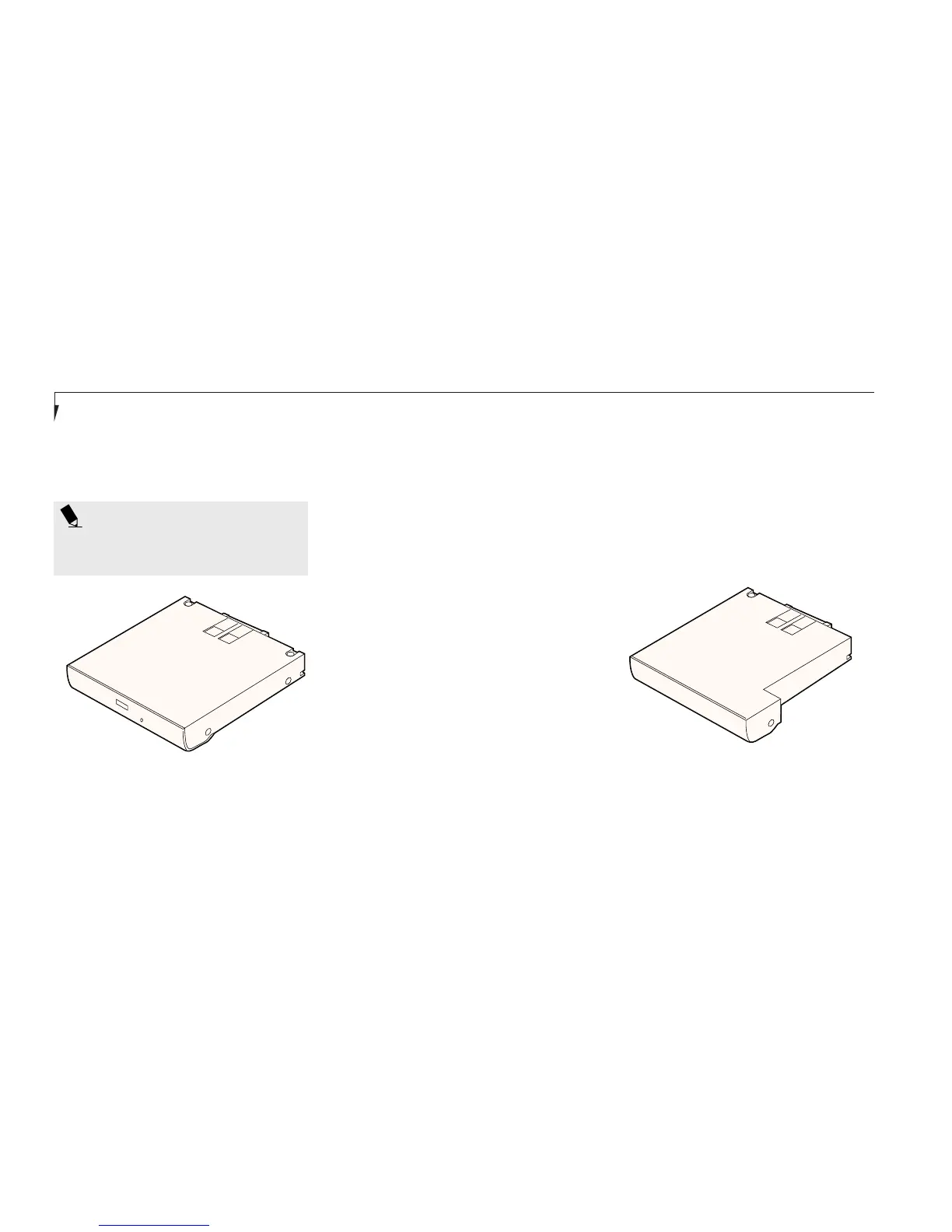
Figure 4-4 DVD Drive or CD-ROM Drive
Fdisk/Format
You will need to Fdisk/format your second hard
drive when you install it for the very first time.
Check your operating system documentation for
information on initializing a hard drive. Be
careful to only format your optional second
hard drive once or you will erase everything
you have stored on it.
POINT
Windows NT 4.0 does not support video
playback from either DVDs or CD-ROMs
Figure 4-5 Optional Second Hard Drive








 To Next Page