Section Four
74
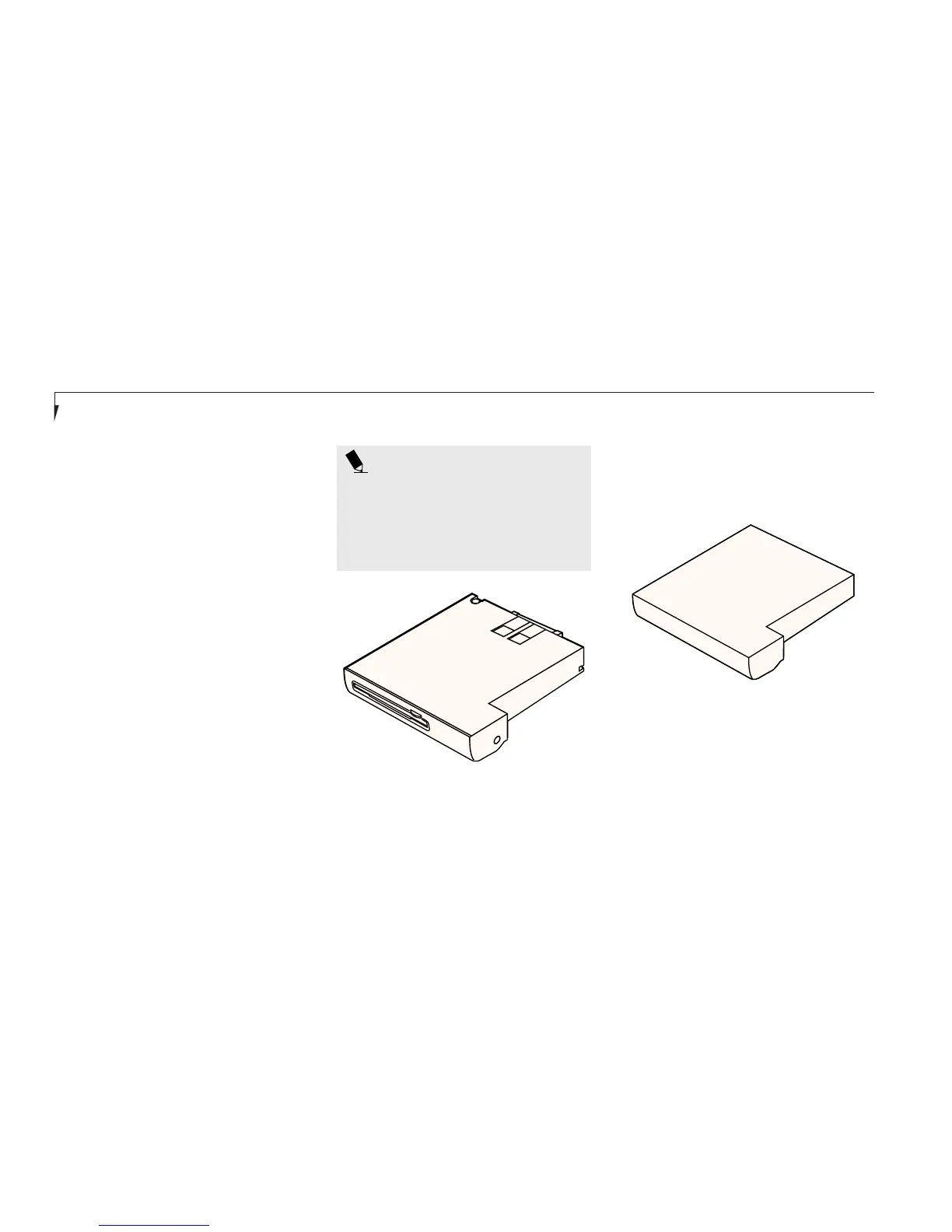
Zip Drive
The Zip drive, using removable Zip disks
with a capacity of 100MB, can be installed
in Multi-function Bay 2 only.
The first time you use a Zip drive on your
LifeBook E Series notebook, you should install
the Zip Tools software onto your system.
Installing the Zip Tools software.
1. Insert the Zip drive in Multi-function
Bay 2 as described on page 70.
2. Insert the Zip Tools disk into the Zip drive.
3. Use the Run command from the Windows
Start menu to run d:\install from the
Zip drive. Note that your system may assign
a drive designator other than d: to the
Zip drive.
4. Select your language preference and follow
the instructions that appear on the screen.
POINT
You may receive the following error
while installing the Zip Tools software:
No Iomega drives found. Select
OK. The installation process will
continue correctly.
Weight Saver
The Weight Saver bay device can be installed in
Multi-function Bay 2 only and is used to fill the
bay when no device is needed.
Figure 4-7 Zip Drive
Figure 4-8 Weight Saver








 To Next Page