4. Web Interface Operations
3. When the browser makes contact with the switch, enter your username and
password, then click Login. The Explorer window will appear.
The default username is admin with password admin
4.3 The Explorer Window
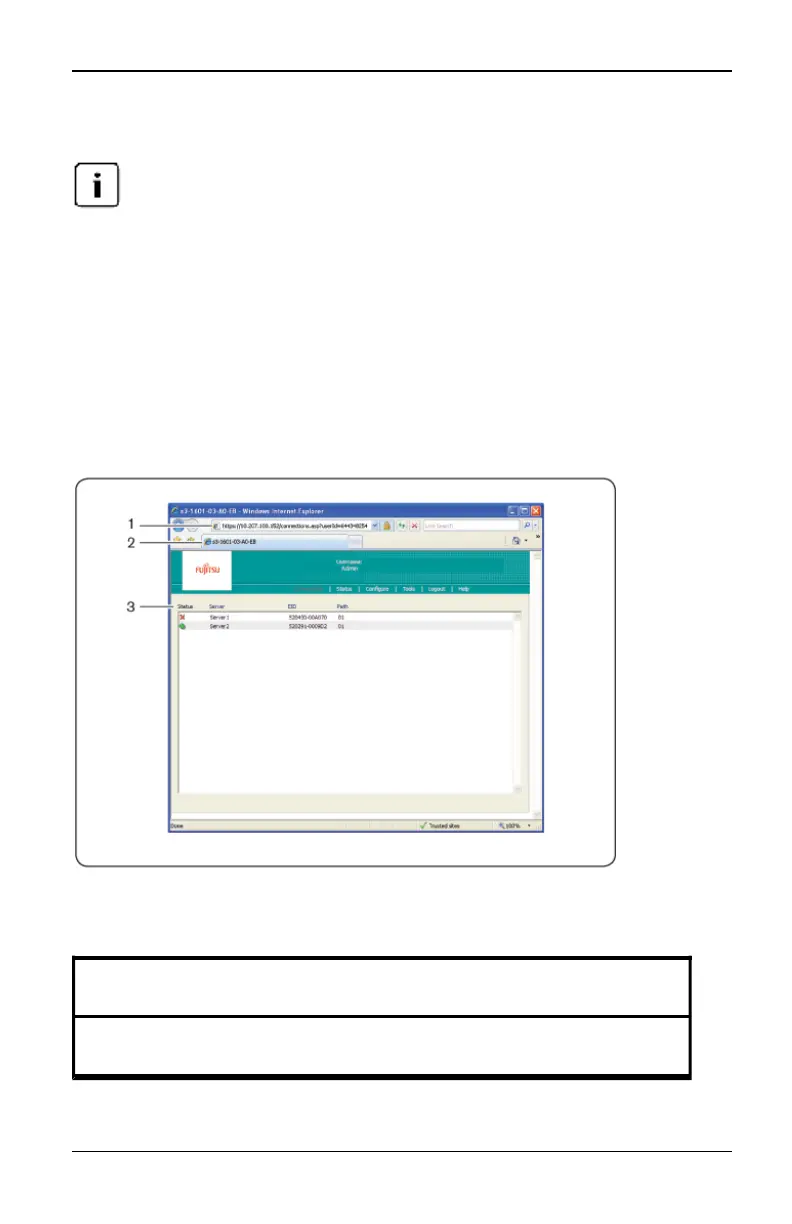
When a user has been logged in and authenticated, the Explorer window
appears. From the Explorer window, users may view, access and manage their
switch, specify system settings and change profile settings.
Figure 4.1 shows the Explorer window areas with descriptions in the following
table.
Figure 4.1. Explorer Window
Number
Description
1
Displays the IP address, appliance type and last six digits of the appliance
MAC addressand browser being accessed.
Table 4.2: Descriptions for Figure 4.1
590-1035-640A
24



 To Next Page