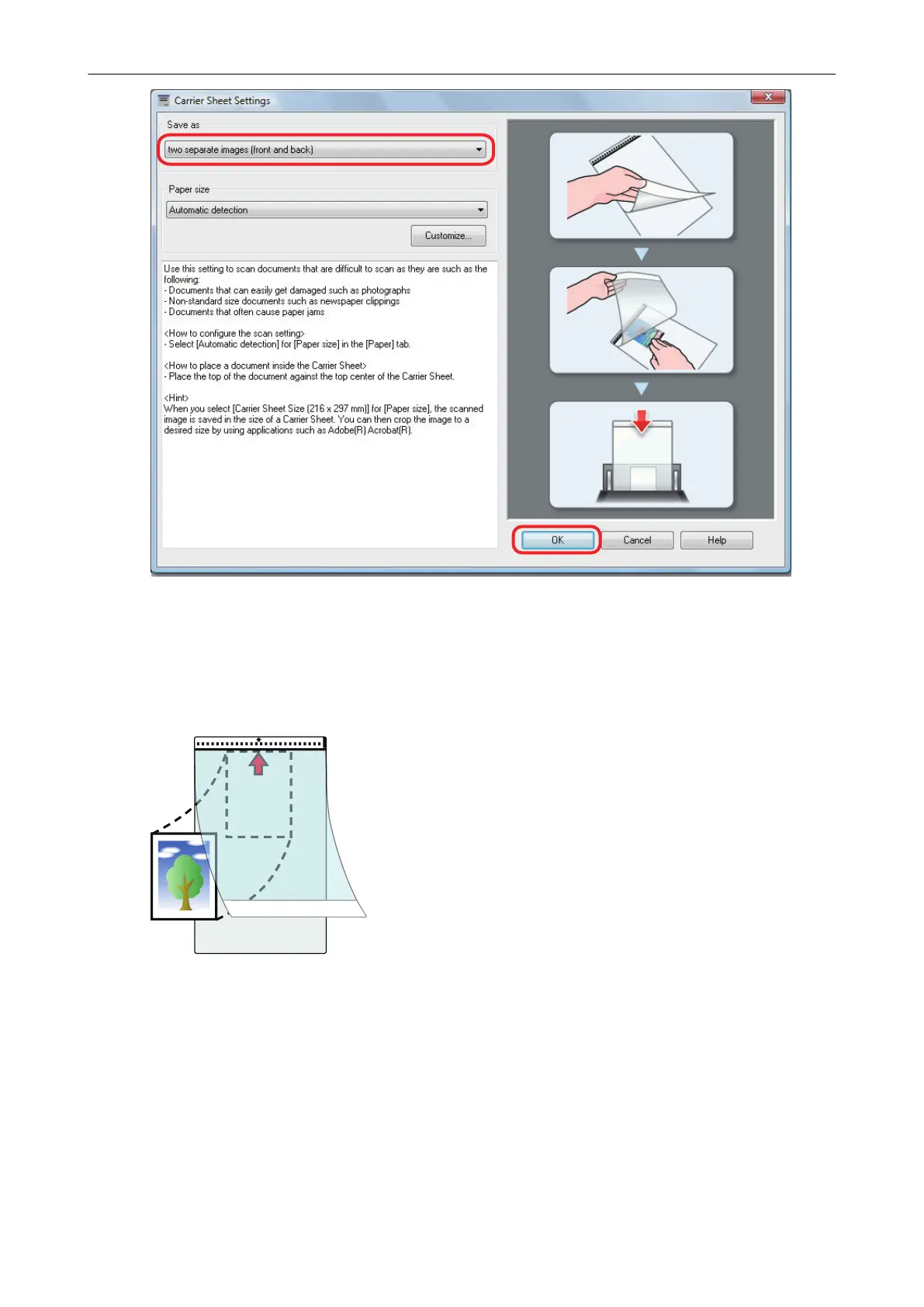
4. Click the [OK] button to close the ScanSnap setup window.
5. Place the document inside the Carrier Sheet.
Open the Carrier Sheet and place the top of the document against the top center of the Carrier
Sheet.
6. Place the end with the black and white pattern as the leading edge in the
direction of the arrow.
Place the back side of the document towards you.
Secure the Carrier Sheet with the side guides to avoid skewing.
Scanning Documents with iX1600 / iX1500 / iX1400
208



 To Next Page
 Loading...










