Managing Paper Documents by Folder on a Computer
with ScanSnap Organizer
This section explains how to digitize paper documents and manage the data by folder in ScanSnap
Organizer.
1. Scan a paper document with the ScanSnap.
For details about how to perform a scan, refer to "Scanning Documents" (page 179).
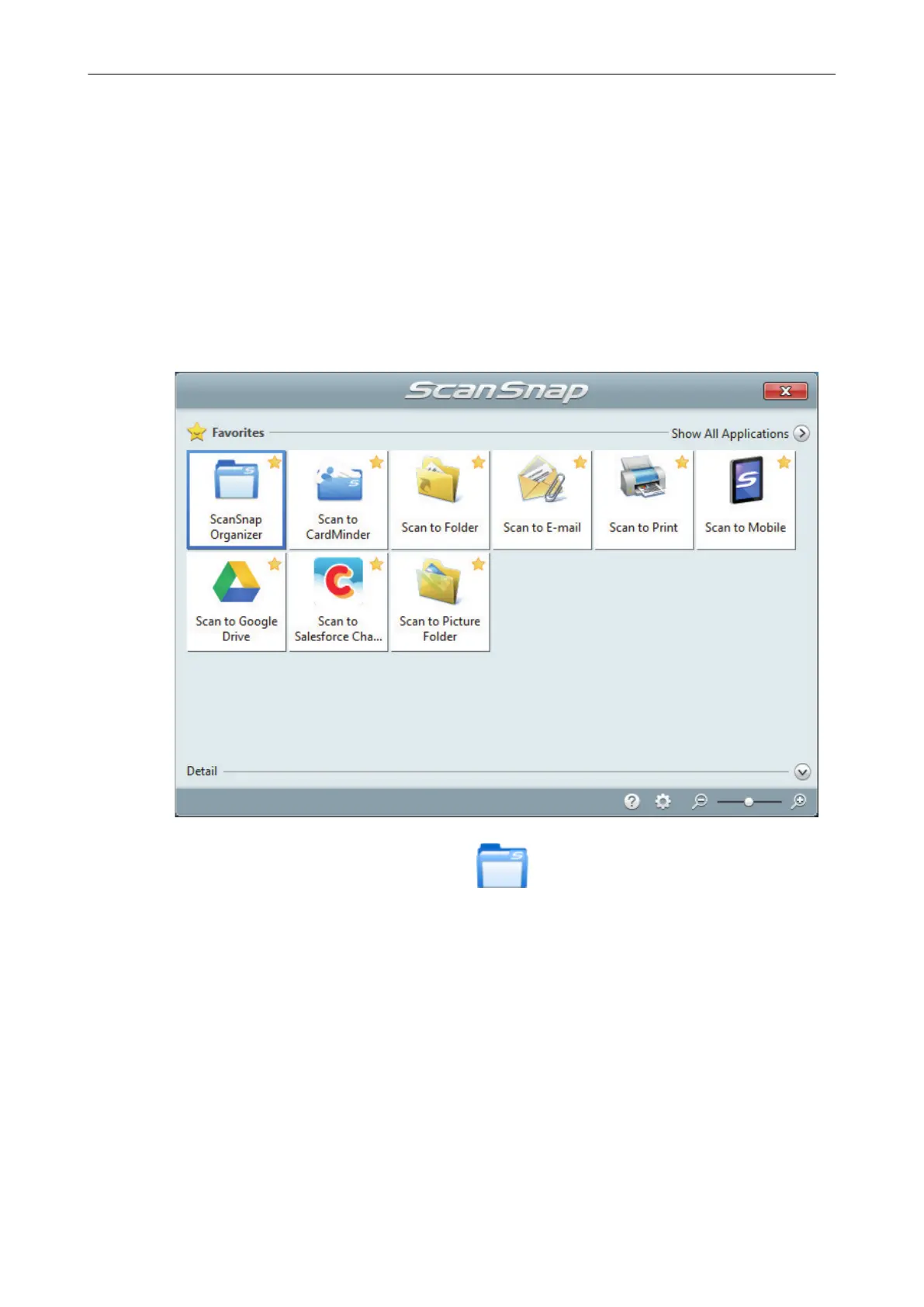
a The Quick Menu appears.
2. Click the [ScanSnap Organizer] icon in the Quick Menu.
a The [ScanSnap Organizer] window appears.
Managing Paper Documents by Folder on a Computer with ScanSnap Organizer
368



 To Next Page
 Loading...










