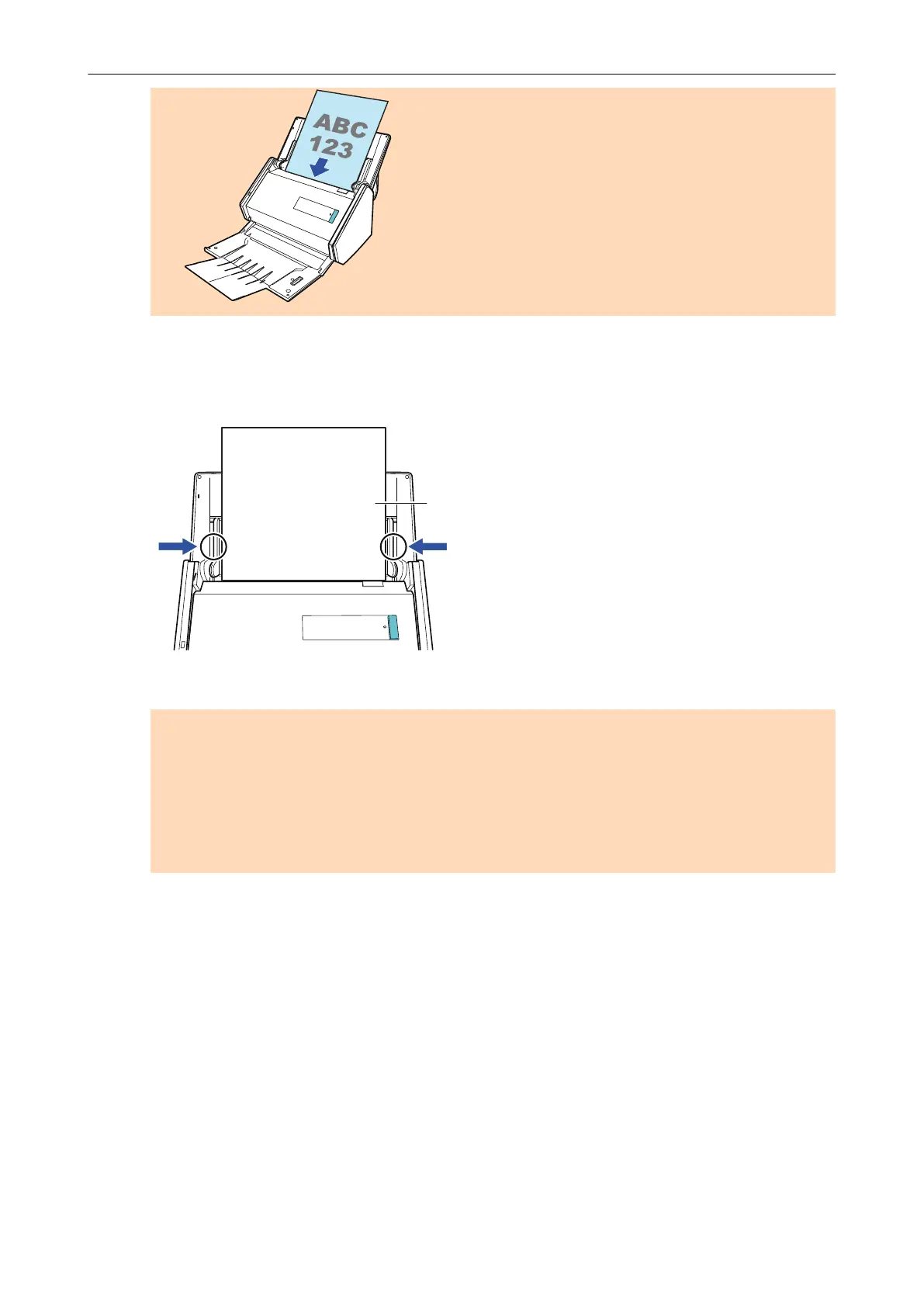
8. Adjust the side guides to the width of the documents.
Hold each side guide in the middle to adjust them. Otherwise, the documents may be fed
skewed.
9. Press the [Scan] button on the ScanSnap to start a scan.
ATTENTION
Do not perform the following operations during scanning. Doing so will stop scanning.
l Connect or disconnect the ScanSnap and other USB devices.
l Close the ADF paper chute (cover).
l Switch users.
l Allow the computer to enter sleep mode.
a The [Scan] button on the ScanSnap flashes in blue while the documents are being
scanned.
The [ScanSnap Manager - Image scanning and file saving] window appears.
Scanning Documents with iX500
219



 To Next Page
 Loading...










