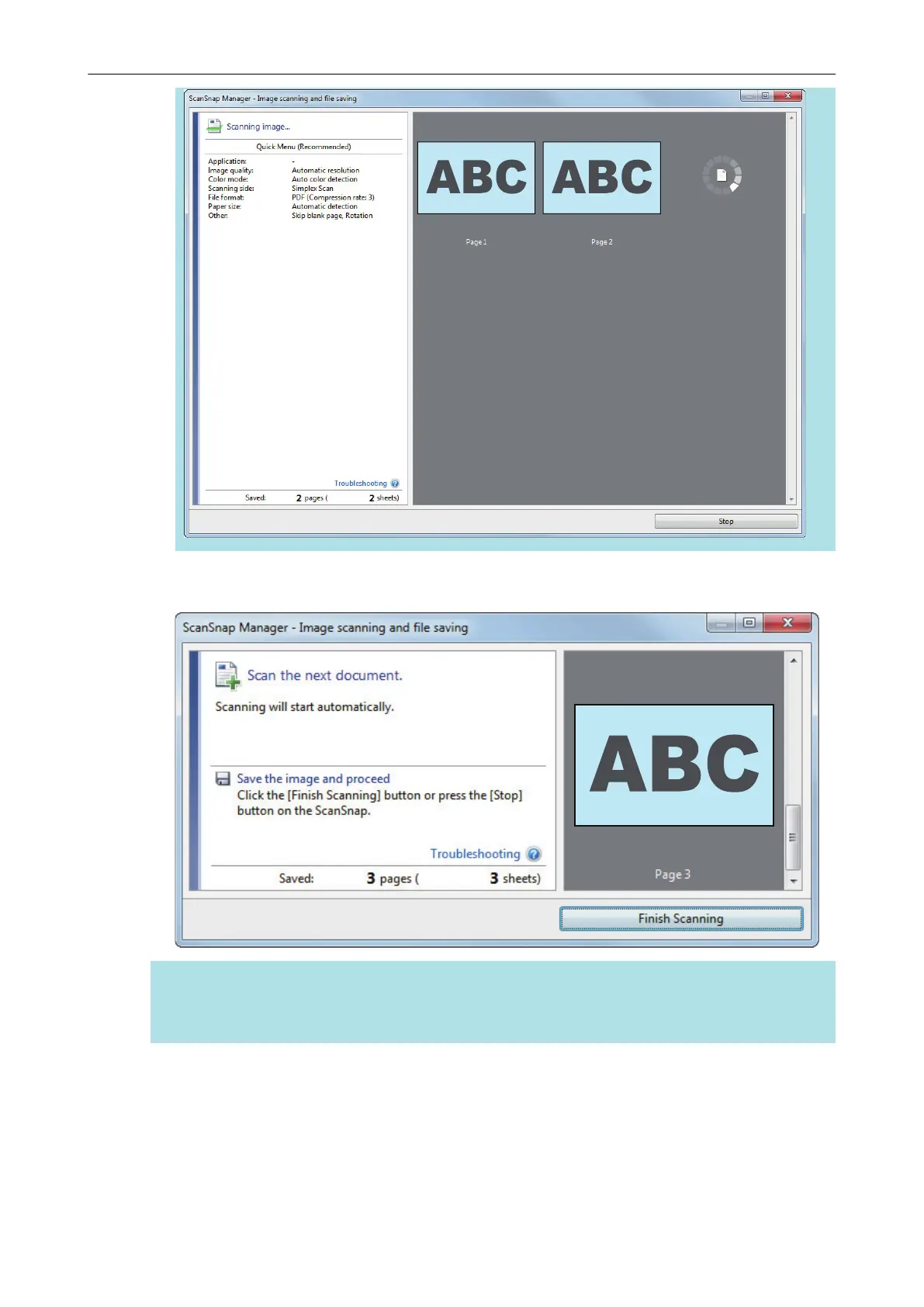
a When scanning is complete, the [ScanSnap Manager - Image scanning and file saving]
window displays a scanning standby status.
HINT
To continue scanning, insert the next document to be scanned. When the document is inserted,
scanning starts automatically.
4. Press the [Scan/Stop] button on the ScanSnap to finish scanning.
a The Quick Menu appears.
5. In the Quick Menu, click the icon of the application to link with ScanSnap
Manager.
Scanning Documents with iX100
254



 To Next Page
 Loading...










