4. Click the [OK] button to close all the windows.
5. Place a document with the scanned side face-up in the scan area of the
ScanSnap.
For details, refer to "How to Place Documents (SV600)" (page 272).
6. Press the [Scan] button on the ScanSnap.
a Scanning starts after the time period specified in [Waiting time] passes.
7. Place the next document to be scanned with the scanned side face-up in the
scan area.
For details, refer to "How to Place Documents (SV600)" (page 272).
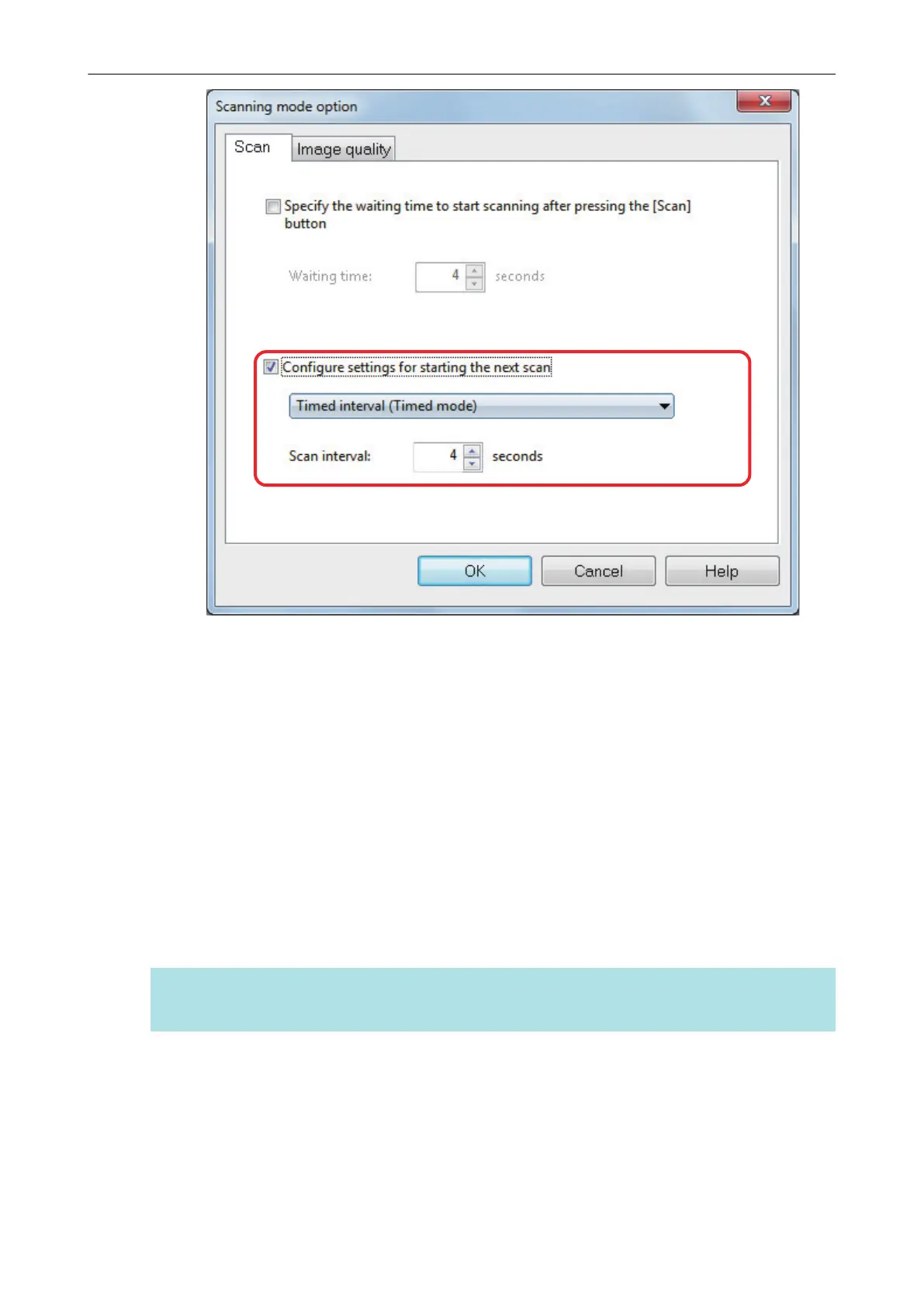
a Scanning starts after the time period specified in [Scan interval] passes.
HINT
To continue scanning, repeat step 7.
8. To finish scanning, click the [Finish Scanning] button or press the [Stop]
button on the ScanSnap.
Scanning Documents with SV600
296



 To Next Page
 Loading...










