HINT
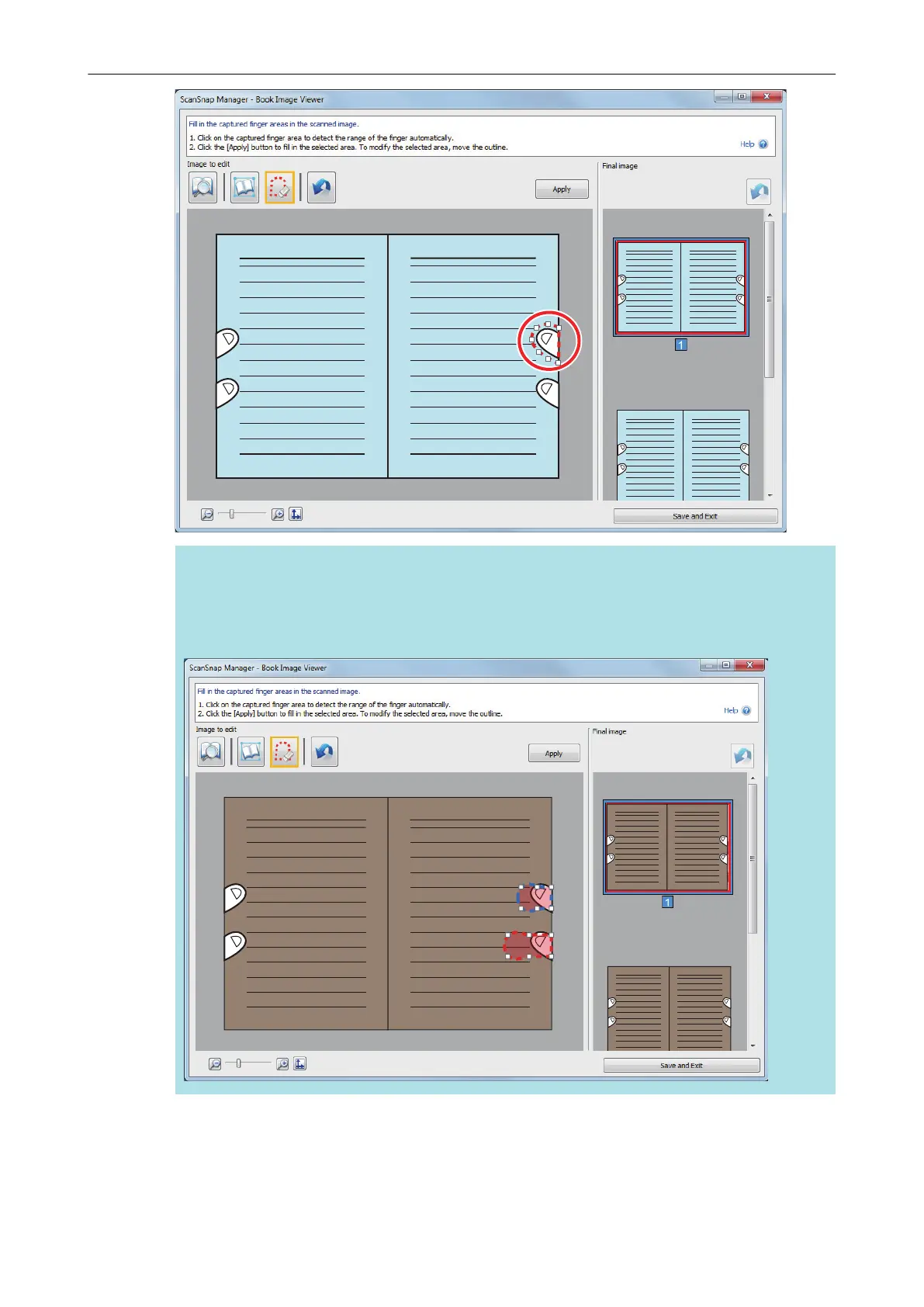
When a finger captured in a scanned image is not detected, a default outline is displayed
around the finger.
In that case, drag the white dot on the outline to align the outline with the shape of the finger.
5. Click the [Apply] button.
a The finger captured in a scanned image is filled in.
When you have completed filling in the captured finger, click the [Save and Exit] button.
When a Book Is Scanned (SV600)
400



 To Next Page
 Loading...










