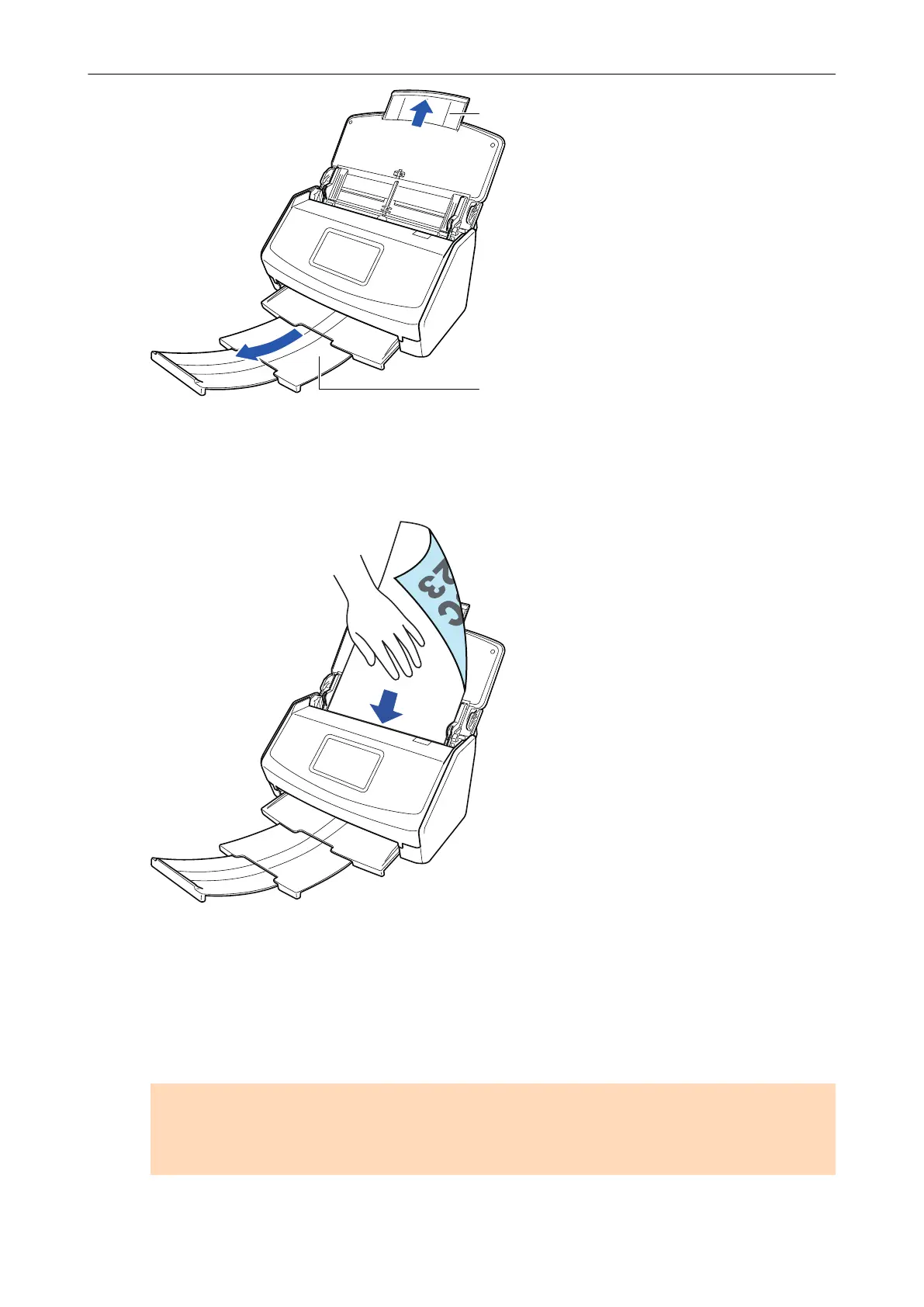
Example: iX1600
3. Load only one document in the ADF paper chute (cover).
Hold the document with your hand so that it does not fall out of the ADF paper chute (cover).
Example: iX1600
4. Start scanning.
For iX1600/iX1500, press the [Scan] button in the home screen on the touch panel for 3
seconds or longer until the button changes color.
For iX1400, press the [Scan] button on the ScanSnap (for three seconds or longer) until the
button flashes in blue.
ATTENTION
l Secure enough space where the scanned documents are ejected from the ScanSnap, and
pick up the documents with your hands to prevent them from falling off the unit where the
ScanSnap is placed on.
Scanning Documents with iX1600 / iX1500 / iX1400
191



 To Next Page
 Loading...












